
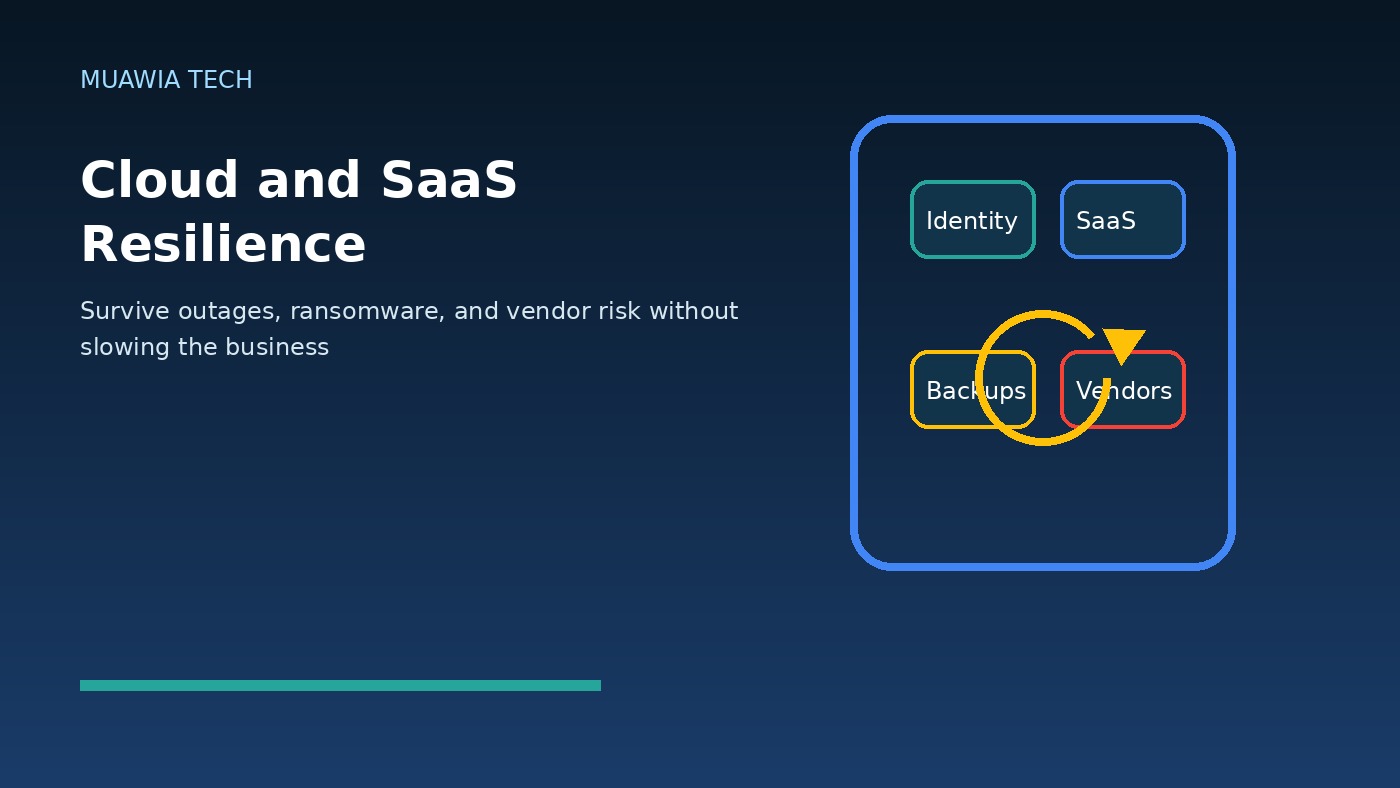
Cloud and SaaS resilience has moved from an IT operations topic to a business survival issue. Modern companies now run email, finance, customer records, file sharing, development, analytics, marketing, support, identity, and security monitoring through cloud platforms and software-as-a-service applications. That flexibility is powerful, but it also creates a new failure pattern: when one provider, identity system, integration, or administrator account fails, the disruption can spread across the entire organization.
The risk is not only a dramatic public outage. It can be ransomware that encrypts synchronized files, a compromised administrator that deletes users, a misconfigured retention policy that removes records, a vendor incident that limits access, or an expired integration token that breaks a workflow nobody documented. In 2026, resilience means assuming that cloud services are essential infrastructure and designing the business so it can keep operating when parts of that infrastructure are unavailable.
For Muawia Tech readers, the practical goal is not to abandon cloud tools. The goal is to use them with stronger recovery planning, better identity controls, clearer ownership, and realistic testing. A resilient organization can answer four questions quickly: what data matters most, who can access it, how it can be restored, and what the company will do if the primary service is unavailable for a day.
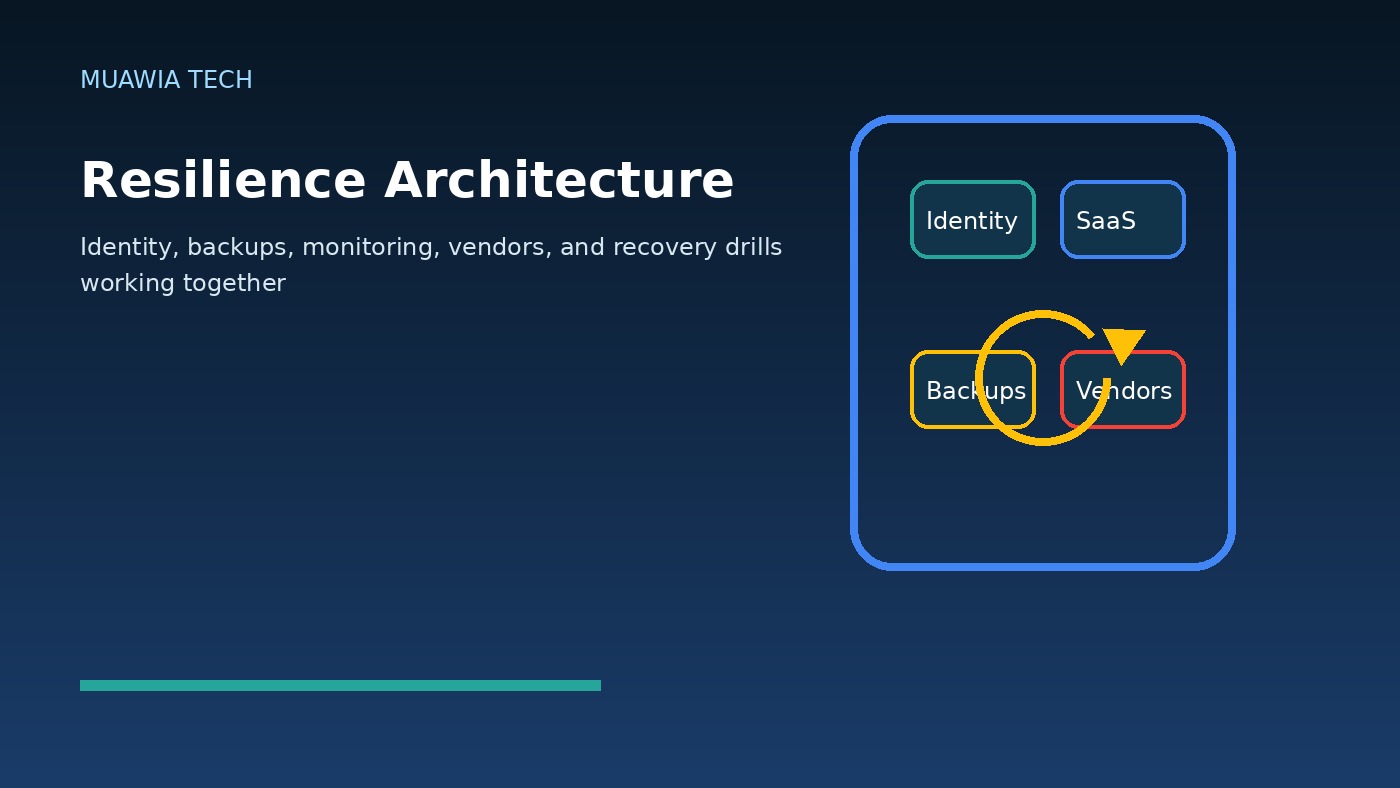
Why cloud reliability is not the same as business resilience
Major cloud and SaaS providers invest heavily in availability, redundancy, and security. That does not remove the customer’s responsibility. A provider may keep its platform running while a customer loses data through accidental deletion, weak permissions, malware synchronization, or an attacker using valid credentials. Shared responsibility is not just a compliance phrase; it is the difference between platform uptime and business recoverability.
Many teams discover this gap during incidents. They assumed a SaaS vendor automatically protected every version of every record forever. They assumed file synchronization was a backup. They assumed single sign-on would always be reachable. They assumed a support export could be produced instantly. When a real disruption happens, those assumptions turn into delays, confusion, and financial loss.
The three threats businesses should plan for
1. Ransomware and destructive account abuse
Ransomware is no longer limited to on-premises servers. Attackers target cloud file stores, collaboration suites, backup consoles, and administrator portals. If a compromised identity can delete snapshots, change retention settings, or encrypt synchronized files, the cloud becomes part of the blast radius. Resilience starts by separating everyday access from recovery access and by protecting backup administration with stronger authentication and approval controls.
2. SaaS outages and provider concentration
Even the best providers can experience regional failures, authentication problems, API disruptions, billing issues, or support delays. The business impact depends on concentration. If the same identity provider, document platform, support system, and workflow automation stack all depend on one login path, a single disruption can freeze multiple teams. Mapping these dependencies helps leaders decide which services need offline procedures, alternative communication channels, or contractual recovery expectations.
3. Third-party and integration risk
SaaS systems rarely operate alone. They connect to payment tools, CRM platforms, analytics services, chat systems, ticketing tools, cloud storage, and automation workflows. Each integration introduces tokens, permissions, and data flows. A resilience plan should include an integration inventory: who owns the connection, what data it can access, how tokens are rotated, and what breaks if the vendor is unavailable.
Start with a data and process inventory
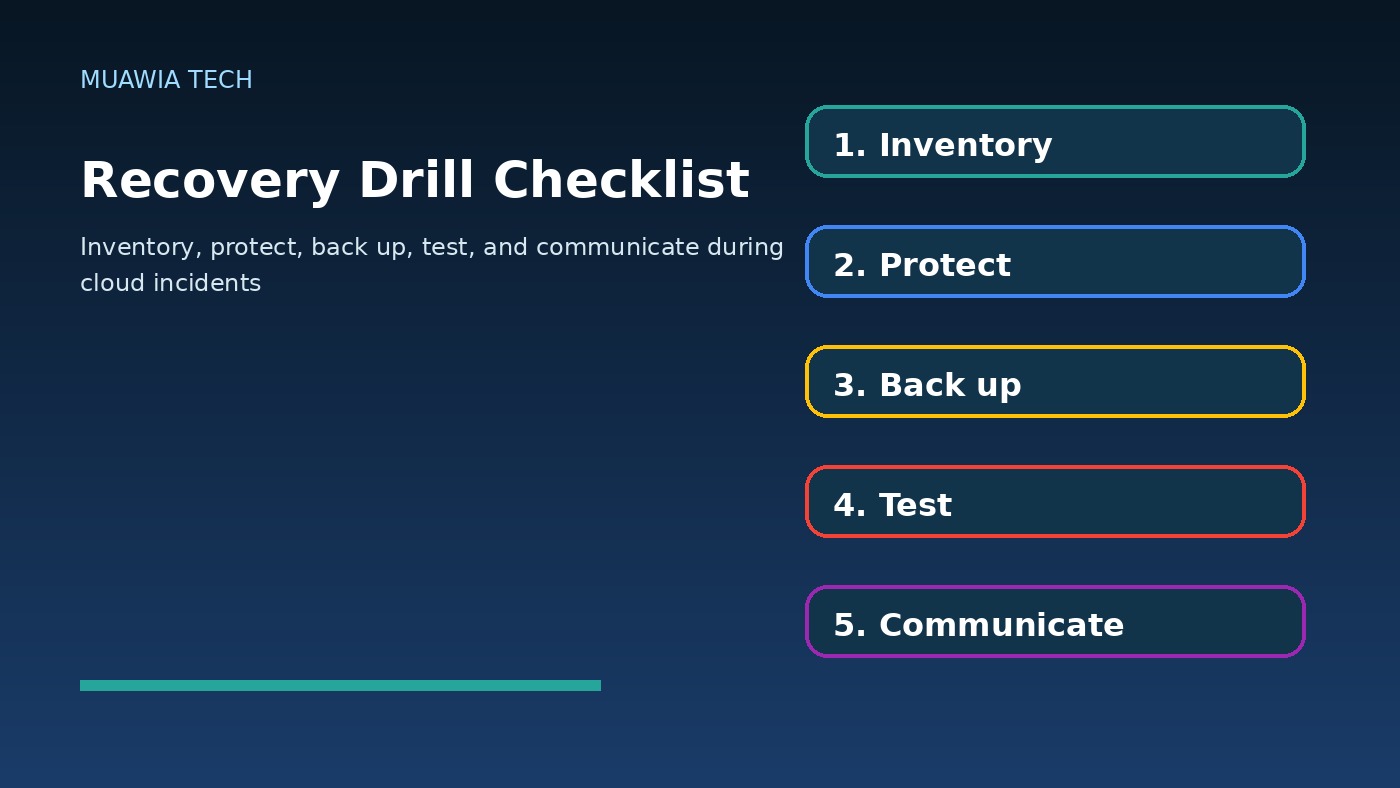
A useful resilience program begins with a plain-language inventory. List the systems the business cannot operate without: email, customer database, accounting, payroll, file storage, website, support desk, source code, cloud hosting, identity provider, endpoint management, and security logs. Then connect each system to the business process it supports. This turns a technical map into a recovery priority list.
For each important system, record the owner, administrator accounts, data types, retention settings, export options, backup status, recovery time objective, and recovery point objective. Recovery time objective asks how quickly the service must return. Recovery point objective asks how much data loss is acceptable. A public website may need fast restoration. A monthly reporting archive may tolerate a longer recovery window. Treating every system as equal usually means the most important ones do not get enough attention.
Backups must be independent and tested
Backups are only useful when they are recoverable, current, and protected from the same incident that damages production. For cloud workloads, that may mean snapshots in separate accounts, immutable storage, separate administrator roles, and periodic restore tests. For SaaS platforms, it may mean vendor-native exports, third-party SaaS backup tools, API-based archives, or scheduled reports stored outside the primary platform.
File synchronization should not be treated as a complete backup strategy. If a user deletes a folder or malware modifies files, synchronization can spread the problem quickly. Version history helps, but it may not cover every data type, retention period, or administrative mistake. Businesses should verify exactly what can be restored: individual files, full folders, mailboxes, calendars, CRM objects, permissions, metadata, and audit logs.
Testing is the control many organizations skip. A quarterly restore drill is more valuable than a beautiful policy nobody has used. Choose a sample mailbox, customer record, folder, virtual machine, or database. Restore it into a safe location. Measure the time, document the steps, and update the runbook. The first test often reveals missing permissions, slow exports, unclear vendor instructions, or backup gaps.
Identity is the control plane
Cloud and SaaS resilience depends heavily on identity. If attackers compromise administrator accounts, they may disable logging, create backdoor users, approve malicious OAuth applications, delete backups, or change recovery settings. Protecting identity is therefore part of resilience, not a separate security project.
High-value accounts should use phishing-resistant authentication where possible, conditional access, device checks, just-in-time privileges, and separate break-glass accounts with strict monitoring. Administrator accounts should not be used for daily email or browsing. Former employees, contractors, and unused service accounts should be removed quickly. Related identity guidance is available in Muawia Tech’s Security coverage, where account takeover and access governance are recurring themes.
Design practical continuity procedures
Resilience is not only technical restoration. People need to know how to work during an incident. If the main chat platform is down, what communication channel is approved? If the support desk is unavailable, how are urgent customer issues captured? If the finance platform cannot be reached, what payments or approvals must wait and what can proceed manually? If the identity provider is degraded, who can authorize emergency access?
These procedures do not need to be complex. A one-page playbook for each critical process is often enough: trigger conditions, responsible people, backup communication method, manual workaround, customer communication template, and recovery checklist. Store copies somewhere accessible even if the primary document system is down.
Vendor-risk questions to ask before renewal
Vendor management becomes more important when SaaS tools hold critical business data. Before renewing or expanding a platform, ask how data can be exported, what logs are available, how long deleted records are retained, what service-level commitments exist, whether the vendor supports strong authentication and role-based access, and how customers are notified during incidents. Also ask how the vendor handles its own subcontractors and integrations.
Contracts cannot prevent every outage, but they can clarify expectations. A good renewal conversation should include recovery support, data portability, audit access, incident communication, and termination assistance. If a vendor makes export difficult or charges heavily for basic recovery access, that should influence the risk rating.
Metrics that prove resilience is improving
Executives do not need every technical detail, but they do need evidence. Useful metrics include the percentage of critical SaaS systems with documented owners, the number of critical systems with tested recovery, the age of the last successful restore test, the number of privileged accounts protected by strong authentication, the number of unmanaged integrations, and the average time to revoke access after employee departure.
These metrics make resilience visible. They also help teams prioritize investment. If the business learns that ten critical SaaS tools have no tested export or restore process, the next budget discussion becomes much clearer.
FAQ
Is a SaaS vendor’s built-in retention enough?
Sometimes, but not always. Built-in retention may not cover every object, permission, metadata field, or historical version the business needs. Verify restore scope before relying on it.
How often should cloud recovery be tested?
Critical systems should be tested at least quarterly and after major architecture, identity, or vendor changes. Less critical systems can be tested less often, but they should still have documented recovery steps.
What is the biggest mistake in cloud resilience planning?
The biggest mistake is assuming that provider uptime equals customer recoverability. A platform can be online while a customer is locked out, missing data, or unable to restore permissions.
Should small businesses build a resilience program?
Yes. Small businesses may not need complex enterprise tooling, but they do need inventories, protected administrator accounts, independent backups for critical data, and simple continuity procedures.
Conclusion
Cloud and SaaS resilience is about keeping the business functional when technology fails, accounts are compromised, vendors have incidents, or data is damaged. The strongest programs combine independent backups, identity protection, integration visibility, vendor-risk planning, and regular recovery drills. Companies that start with their most critical systems can make steady progress without slowing down cloud adoption. The result is a business that can use modern SaaS tools confidently because it has already planned how to recover when the unexpected happens.
Current Research Signals
Recent external coverage shows continued market attention around this topic:
- Cloud and SaaS risks rise in 2026 as trust and outages collide | feature | SC Media
- [PDF] Cloud Security 2026
- 2026 Cyber Resilience Trends: Where Confidence Meets Reality
Last Updated: 2026-07-01
Related Guides
- Cloud Security Posture in 2026: How Businesses Can Find and Fix Risk Before Attackers Do
- Cloud Security Posture in 2026: Practical CSPM Controls for AI-Heavy Cloud Environments
- PCI Compliance for Businesses: Simple Security Controls for Payments, SaaS, and Cloud Data
- Windows Security Update Checklist for Small Businesses: Patch Timing, Rollback Plans, and Exploit Risk
- The best open source software for cloud computing