

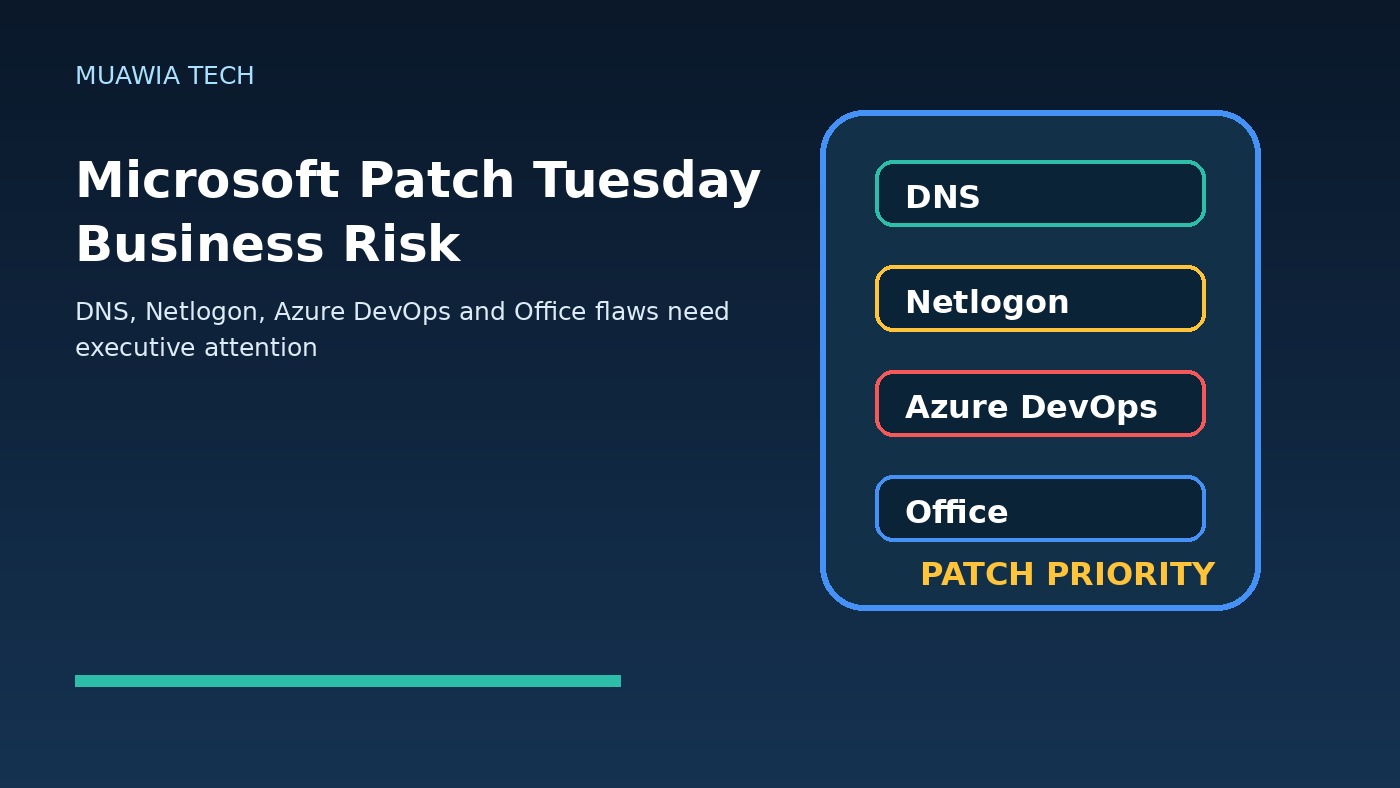
Microsoft Patch Tuesday business risk is no longer just an IT operations phrase. Microsoft’s May 2026 security release, reported as fixing roughly 138 vulnerabilities, is a reminder that routine patching can carry direct consequences for finance, operations, customer trust, software delivery and executive risk management. The most important detail is not only the size of the update. It is where the serious flaws sit: Windows DNS, Netlogon, Office, Azure DevOps and other components that many organizations treat as everyday infrastructure.
That matters because a weakness in a domain service, identity-adjacent protocol or developer platform is not isolated in the way a single desktop bug might be. DNS helps users and systems find services. Netlogon is tied to Windows domain authentication. Azure DevOps can hold source code, build secrets, deployment pipelines and project data. Office remains a common path for business documents and user interaction. When these areas appear in the same monthly patch cycle, leaders should read Patch Tuesday as a business continuity signal, not a background maintenance chore.
The May release also highlights a common misconception: if there is no widely publicized zero-day, the patch window can wait. That is a risky assumption. Attackers study vendor advisories, reverse engineer patches and look for organizations that are slow to deploy updates. A vulnerability does not need to be actively exploited on release day to become dangerous. Once technical details, proof-of-concept work or exploitation patterns emerge, the gap between patched and unpatched systems becomes the attacker’s opportunity.
Why this Patch Tuesday deserves executive attention
Executives do not need to memorize every CVE number, but they do need a reliable way to understand which monthly patches affect the organization’s most important services. In this cycle, reports highlighted a critical Windows DNS flaw, a severe Netlogon remote-code-execution issue and a high-impact Azure DevOps vulnerability. These are not obscure components for many companies. They are connected to how users authenticate, how services resolve names and how software teams build and ship code.
That turns the discussion from “Did IT install updates?” into “Do we know where these affected systems exist, who owns them, how exposed they are and how quickly we can reduce risk without breaking operations?” The first question is narrow. The second question is governance. Organizations that cannot answer it may be running more business risk than they realize, even if they have a monthly patch routine.
DNS flaws can affect more than name resolution
Windows DNS is often treated as plumbing. It is expected to work quietly in the background, and many business users never think about it. Yet DNS is essential to identity, application access, email, internal services and cloud connectivity. A critical DNS vulnerability is therefore important not only because of its technical severity, but because DNS servers often sit in trusted network positions and support many other services.
For business leaders, the practical takeaway is asset visibility. Security teams should know which servers provide DNS, whether they are domain controllers or standalone DNS servers, which zones they host, how they are exposed and what dependencies would be affected by emergency patching. A vulnerability with a high CVSS score becomes more urgent when the affected server is reachable from many internal segments, exposed to untrusted networks or tied to critical authentication paths.
Netlogon issues touch the identity layer
Netlogon is another component that deserves priority because of its role in Windows domain environments. Identity infrastructure is a favorite target for attackers because it can unlock lateral movement, privilege escalation and persistence. Even when a specific flaw has prerequisites or mitigating conditions, organizations should treat authentication-related vulnerabilities with urgency. The identity layer is where a technical incident can quickly become a full business outage.
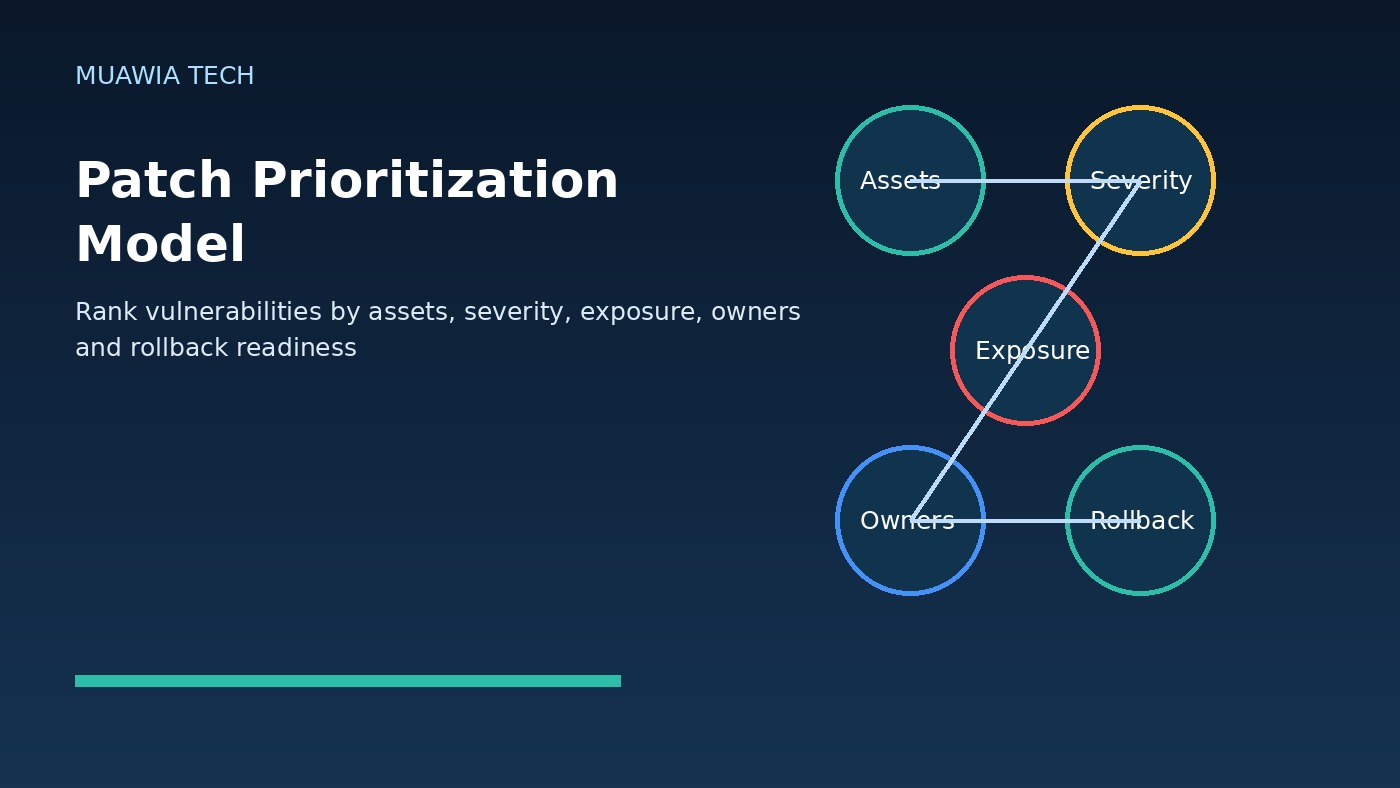
This is why patch prioritization should include more than severity labels. A medium-severity flaw on a low-value test system may be less urgent than a domain-related flaw on infrastructure that supports the whole company. Good teams classify systems by business impact: domain controllers, DNS servers, email platforms, remote access, backup systems, code repositories, customer databases and financial applications. When Patch Tuesday mentions one of those categories, it should trigger a faster review.
Azure DevOps risk is also business risk
Developer platforms have become part of the enterprise control plane. Azure DevOps can contain repositories, work items, build pipelines, service connections, artifacts and secrets used to deploy software. A vulnerability affecting that ecosystem may raise confidentiality, integrity and operational concerns. If source code or pipeline data is exposed, the impact can reach beyond a single server and into product security, customer commitments and compliance obligations.
Organizations should therefore include developer platforms in vulnerability management, not leave them only to engineering teams. Security and engineering leaders should confirm who owns patching and configuration reviews, how build secrets are managed, which service connections have broad privileges, and whether audit logs are monitored. The broader lesson is simple: software delivery infrastructure is production infrastructure.
Build a risk-based patch priority list
A useful Patch Tuesday process starts with a short executive summary, followed by a technical action list. The executive summary should explain which business-critical services are affected, whether exploitation is known, what the planned patch window is and what residual risk remains. The technical list should identify affected assets, owners, testing requirements, rollback steps and monitoring checks.
For this Microsoft cycle, a practical priority order would usually begin with internet-facing and broadly reachable infrastructure, then identity and DNS systems, then developer platforms, server roles, high-risk user endpoints and finally lower-impact endpoints. The exact order depends on architecture. A company that hosts its own Windows DNS has different exposure than one that relies mostly on managed cloud DNS. A software company using Azure DevOps heavily has different risk than a small office with minimal development infrastructure.
Testing must be fast, not endless
Some organizations delay critical patches because they fear outages. That concern is real, but the answer is not indefinite waiting. The answer is a test process that is fast enough to support security. Maintain a representative test group, document critical application checks and define rollback steps before the emergency arrives. When a high-risk patch appears, teams should not be inventing their process from scratch.
Testing should answer a few focused questions: Do domain logins work? Do DNS queries resolve? Do line-of-business applications open? Do build pipelines run? Do endpoint agents remain healthy? Do backup jobs still complete? This is not a full software-certification cycle. It is a practical confidence check that allows the organization to move quickly while reducing operational surprise.
Measure patching as a business control
Leaders should ask for metrics that show both speed and coverage. Useful measures include the percentage of critical assets patched within the target window, the number of systems missing patches because of ownership gaps, the time from release to deployment, exceptions approved by risk owners and the number of assets not reporting into management tools. These metrics reveal whether the company has a patching process or only a patching intention.
Exception handling is especially important. Some systems cannot be patched immediately because of application compatibility, vendor constraints or operational windows. Those exceptions should not disappear into email threads. They should have compensating controls, an owner, a review date and a risk decision. Examples include network isolation, access restrictions, enhanced monitoring, temporary service shutdown or accelerated replacement of unsupported software.
Do not forget backups and recovery
Patch management and recovery planning belong together. Before updating critical infrastructure, teams should confirm backups, snapshots or restore points where appropriate. Domain controllers, DNS servers and developer platforms should have documented recovery procedures. If a patch causes a problem, the team should know how to restore service. If an attacker exploits an unpatched system, the team should know how to contain, rebuild and recover.
Backups should also be protected from the identity systems they depend on. If an attacker compromises privileged accounts, they may try to delete backups or disable security tools. Strong administrative separation, immutable backups and tested recovery drills reduce the chance that one vulnerability becomes a long outage.
Practical checklist for this Microsoft cycle
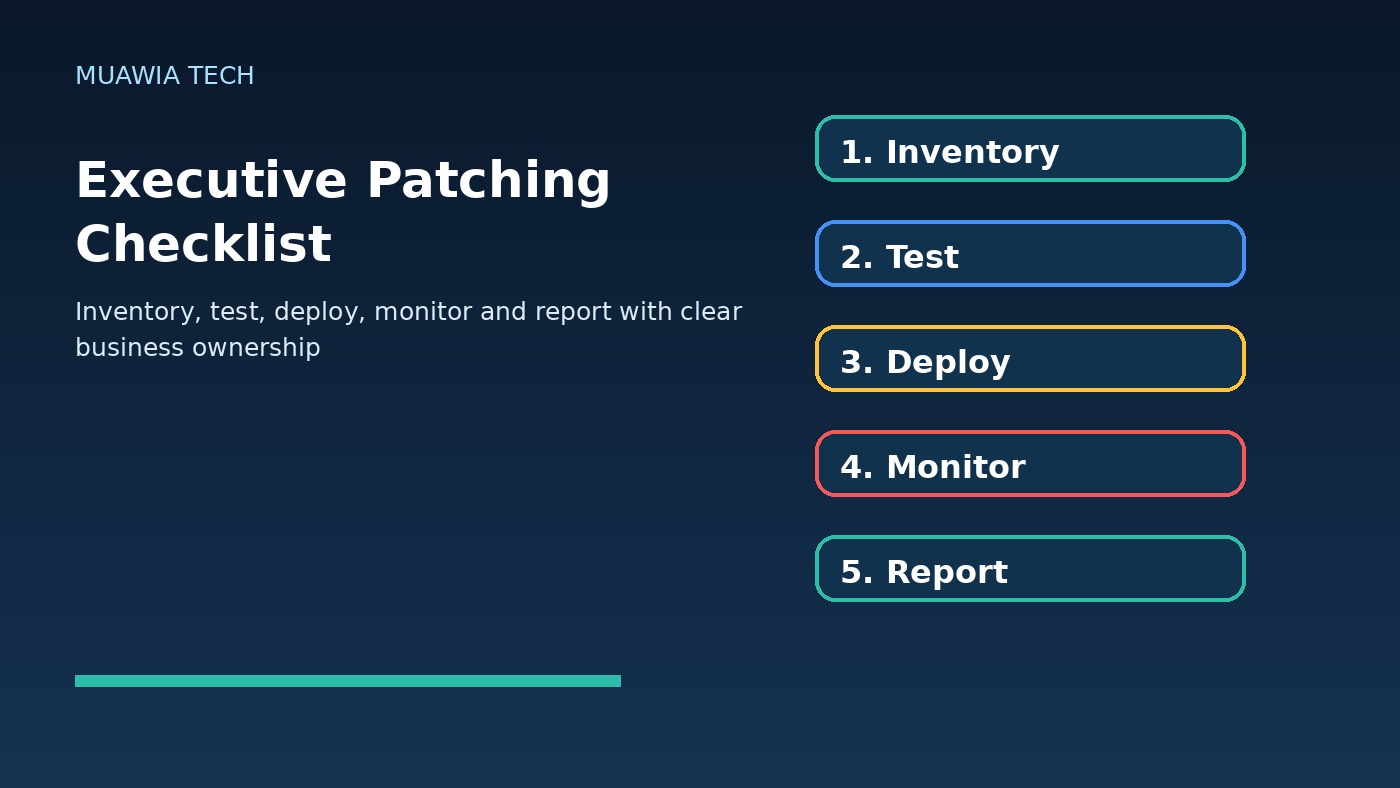
Start by identifying affected Windows servers, DNS roles, domain controllers, Azure DevOps environments, Office installations and other Microsoft services in scope. Confirm whether any affected services are internet-facing or reachable from untrusted networks. Assign owners for every critical asset. Apply patches first to a test group, then to production according to business impact. Monitor authentication, DNS resolution, endpoint health, build pipelines and user reports after deployment.
Next, review exceptions. If a server cannot be patched, document why, who approved the delay and what temporary controls are in place. Finally, produce a short closure report: what was patched, what remains, what failed, what was learned and which process improvements should happen before the next Patch Tuesday.
FAQ
Is Patch Tuesday still urgent if no zero-day is reported?
Yes. Publicly released patches give attackers clues about vulnerable code paths. Organizations that delay may become easier targets after advisories and patches are analyzed.
Which systems should be patched first?
Prioritize exposed systems, identity infrastructure, DNS, developer platforms, servers handling sensitive data and endpoints used by privileged users. The exact order should reflect business impact and exposure.
How should executives track patching?
Executives should track critical-asset coverage, time to deploy, exceptions, owners, business impact and residual risk. They do not need every CVE detail, but they need accountability and measurable progress.
What if a critical patch might break a business application?
Use a fast test group, confirm rollback options and document compensating controls if a delay is unavoidable. The risk of waiting should be formally accepted by the right business owner.
Conclusion
Microsoft Patch Tuesday business risk is about more than installing updates. The May 2026 cycle shows why DNS, Netlogon, Azure DevOps and Office vulnerabilities deserve coordinated attention from IT, security, engineering and leadership. A mature response combines asset visibility, risk-based prioritization, fast testing, clear communication, protected backups and executive reporting. Organizations that treat patching as a business control will move faster, reduce exposure and make the next security release less chaotic.
For more practical security coverage, see Muawia Tech’s Security section and related cloud-risk guidance in the Cloud category.
Related update: Try to Get Reflection.