
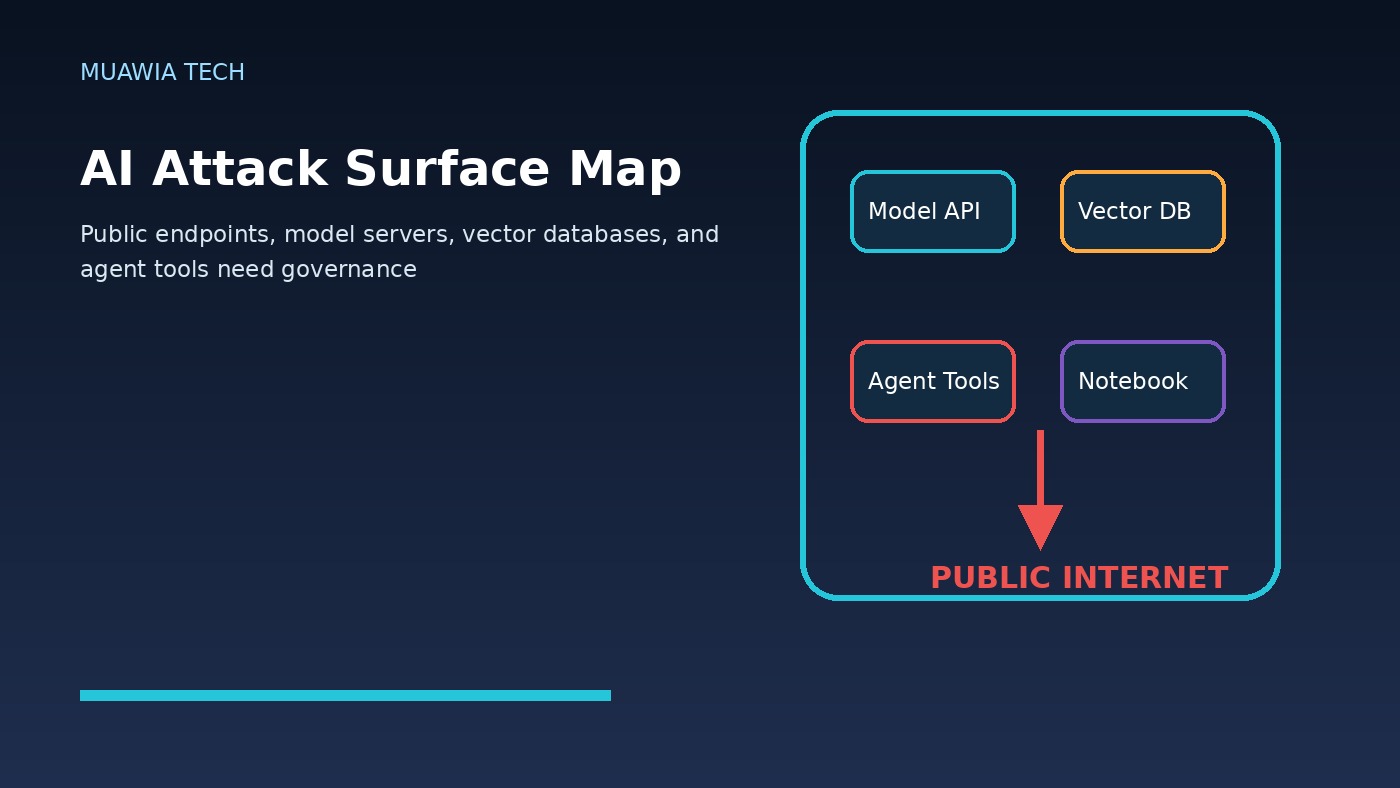
Exposed AI services are quickly becoming one of the clearest security warnings of the AI infrastructure boom. Organizations are deploying model servers, vector databases, agent frameworks, chat interfaces, inference APIs, development notebooks, and automation tools faster than traditional governance can track them. Many of these systems start as experiments, proof-of-concepts, or internal productivity projects. Some later become business-critical. Others are forgotten. The dangerous part is that a surprising number end up reachable from the public internet with weak defaults, incomplete authentication, broad permissions, or sensitive data still attached.
The trend matters because AI services are not ordinary web applications. They often sit close to prompts, documents, embeddings, source code, customer records, credentials, logs, and internal tools. A single exposed endpoint may reveal training data, chat history, proprietary workflows, API keys, or business logic. In more advanced setups, it may also trigger tools, query databases, call cloud APIs, or execute actions through an AI agent. That turns a simple misconfiguration into a potential data leak, fraud path, or operational incident.
Recent security research and industry reporting have highlighted large-scale scans of public hosts finding extensive AI-related exposure. The lesson for Muawia Tech readers is practical: the AI security problem is no longer only about futuristic model attacks. It is also about basic infrastructure hygiene. If a model server is open, a vector database has no access control, or an agent service trusts anyone on the network, attackers do not need magic. They need search, patience, and a list of weak defaults.
Why AI infrastructure gets exposed
Most exposure does not begin with malicious intent. It starts with speed. A developer opens a port to test a model from home. A team launches a demo server for an executive review. A startup copies a deployment guide that binds to all network interfaces. A data science group uses a default dashboard without enabling authentication because it is “only temporary.” A low-code automation project grows into a production workflow without ever receiving a security review.
AI tooling also encourages experimentation. Teams download open-source model servers, connect them to GPUs, add a web UI, and integrate them with retrieval tools. In many cases, the project owner is focused on latency, accuracy, cost, or user experience—not perimeter exposure. Cloud firewall rules, container networking, reverse proxies, identity providers, secrets management, and audit logging are treated as tasks for later. Later often arrives after the service has already been indexed, scanned, or abused.
What attackers look for
Attackers search for predictable patterns: open ports used by popular AI tools, unauthenticated dashboards, default API routes, exposed notebooks, permissive CORS settings, weak admin panels, and public storage buckets linked from model workflows. They also look for metadata. Error messages, sample prompts, model names, plugin lists, logs, and response headers can reveal how a system works and where it connects.
The first goal is often reconnaissance. Can the service be queried without a login? Does it reveal documents through retrieval? Does it expose embeddings or raw records? Can a prompt force the system to summarize private context? Does an agent have tools that send email, open tickets, query databases, browse internal pages, or write files? If the answer is yes, the service may become a bridge from public internet traffic to internal business processes.
Even read-only exposure can hurt. A public vector database may not show documents in their original format, but embeddings, metadata, object IDs, and snippets can still reveal customer names, product plans, ticket contents, or internal terminology. A model endpoint may not provide a database shell, but it may leak prompts, system instructions, or proprietary templates that help attackers craft better social engineering.
Weak defaults are the new exposed S3 bucket
Cloud security teams spent years learning that storage buckets should not be public by accident. AI infrastructure now has a similar problem. The tools are different, but the pattern is familiar: fast deployment, permissive defaults, confusing network settings, unclear ownership, and sensitive data living closer to the internet than leaders realize.
Some AI tools assume they run on a trusted local network. Others provide authentication but do not require it by default. Some examples and Docker commands are designed for quick demos, not hardened production. A tutorial that works beautifully on a laptop can become risky when copied to a cloud server with a public IP address. The gap between “it runs” and “it is safe” is where many incidents begin.
This does not mean open-source AI tools are bad. It means organizations must treat AI services like production infrastructure from the moment they touch real data, credentials, or business workflows. A prototype connected to private documents is no longer harmless simply because it is labeled a prototype.
The data-leak risk is broader than prompts
Many teams think of AI leakage as users pasting secrets into a chatbot. That is only one path. Exposed AI services can leak system prompts, uploaded files, retrieval chunks, embeddings, chat transcripts, API responses, debug logs, and tool outputs. They can also leak relationship data: which customers exist, which vendors are used, which internal systems are connected, and which employees are working on which projects.
Retrieval-augmented generation increases the stakes. RAG systems connect models to document stores and vector databases so answers can use business context. If the retrieval layer is exposed or poorly filtered, an attacker may not need direct database credentials. They can ask questions and let the system retrieve sensitive snippets for them. Access control must therefore exist at the document, user, tenant, and query layer—not only at the chatbot front door.
Agentic AI raises the blast radius
Model endpoints that answer questions are risky enough. Agentic systems add a new dimension because they can take actions. An AI agent may read email, create calendar invites, update CRM records, open pull requests, search internal wikis, run scripts, or trigger workflow automation. If that agent is exposed or if its tool permissions are too broad, attackers may be able to move from information theft to business impact.
The safest design is least privilege. Agents should receive only the tools they need, only for the users they represent, and only for the time required. High-risk actions should require confirmation, approval, rate limits, and detailed logging. A public-facing AI assistant should not have the same permissions as an internal administrator. A development agent should not have production write access by default. For related governance themes, Muawia Tech’s Security coverage regularly returns to identity, access, and operational controls.
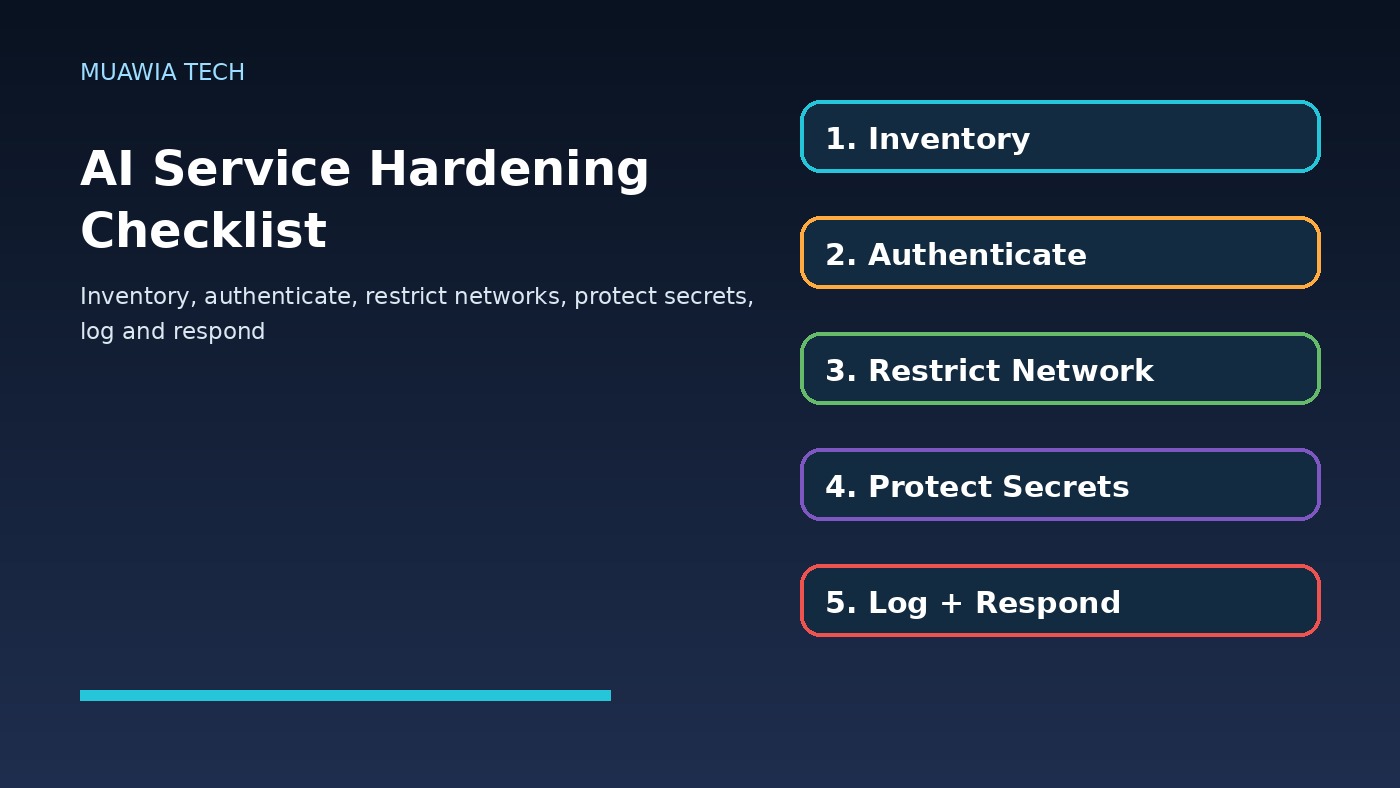
A practical hardening checklist
1. Build an AI asset inventory. Track model servers, vector databases, notebooks, chat UIs, agent frameworks, APIs, GPU hosts, workflow automations, datasets, and cloud accounts. Include owner, environment, data sensitivity, public exposure, authentication method, and last review date.
2. Remove public access by default. AI services should not be reachable from the internet unless there is a clear business reason. Use private networks, VPNs, identity-aware proxies, zero-trust access, security groups, and allowlists. Bind services to localhost or private interfaces when possible.
3. Require strong authentication. Disable anonymous access. Integrate with single sign-on where practical. Use role-based access controls, separate administrator accounts, and phishing-resistant authentication for privileged users. Do not rely on obscurity or unusual ports.
4. Protect secrets and tokens. Scan configurations, notebooks, environment files, container images, and logs for API keys. Rotate exposed credentials immediately. Use a secrets manager instead of hardcoded keys. Limit tokens by scope, service, and lifetime.
5. Segment data access. RAG systems should enforce user-level and tenant-level authorization before retrieval. Do not let the model decide who is allowed to see data. Authorization should happen in application logic and data-access layers before content reaches the prompt.
6. Limit agent tools. Agents should start with no tools and receive only explicit capabilities. Separate read actions from write actions. Put approvals around payments, account changes, code deployment, email sending, and destructive operations. Log every tool call with user, time, input, output, and result.
7. Monitor internet exposure continuously. Run external attack-surface scans for known AI ports, dashboards, and routes. Compare results with the internal inventory. Investigate anything visible that has no owner or no approved exposure record.
8. Patch and retire quickly. AI frameworks are evolving fast. Old demo containers, abandoned notebooks, and unmaintained plugins create unnecessary risk. Retire unused services and patch active ones through a defined process.
Questions leaders should ask this week
Executives do not need to know every model parameter, but they should ask direct questions. Which AI services do we run? Which are public? Which touch sensitive data? Who owns them? How are they authenticated? Can an agent take actions? What logs prove what happened? These questions turn AI security from abstract concern into operational accountability.
FAQ
What are exposed AI services?
Exposed AI services are model servers, AI APIs, dashboards, vector databases, notebooks, chat interfaces, or agent systems that are reachable from networks or users that should not have access, especially the public internet.
Why are AI services riskier than ordinary test apps?
They often connect to sensitive documents, prompts, embeddings, credentials, internal tools, and automated actions. That can turn a weak endpoint into a data-leak or business-process risk.
Should every AI service be blocked from the internet?
No. Some customer-facing AI services must be public. But public exposure should be intentional, authenticated, monitored, rate-limited, and reviewed—not an accident caused by defaults.
What is the fastest first step?
Run an external exposure scan, compare it with an internal AI asset inventory, and immediately remove or protect any service that has no owner, no authentication, or no approved business reason to be public.
Conclusion
Exposed AI services are a security problem because the AI boom has pushed powerful tools, sensitive data, and automated actions into environments that are not always governed like production systems. Weak defaults, public endpoints, unmanaged prototypes, and broad agent permissions can create a public attack surface faster than traditional review processes can react. The fix is disciplined but achievable: inventory every AI service, close unnecessary exposure, enforce strong identity, protect secrets, segment retrieval data, limit agent tools, monitor from the outside, and retire abandoned experiments. Businesses that apply these fundamentals can keep innovating with AI while reducing the chance that yesterday’s demo becomes tomorrow’s breach.
Current Research Signals
Recent external coverage shows continued market attention around this topic:
- Unit 42 Report: AI and Attack Surface Complexity Fuel Majority of Breaches
- Two Early 2026 AI Exposures: Lessons for the Future of AI and Data Governance – Wharton AI & Analytics Initiative
- 2026 AI Threat Landscape Report – HiddenLayer
Last Updated: 2026-07-01
Related Guides
- Cloud Security Posture in 2026: How Businesses Can Find and Fix Risk Before Attackers Do
- Anthropic Unveils 10 Claude AI Agents Purpose-Built for Financial Services
- AI Browser Agent Security for Enterprise: Sessions, Prompt Injection, and Governance Controls
- How to Protect and Secure Data: a Practical Enterprise Checklist for SaaS, Cloud, and AI Workflows
- CISO Guide to Business Email Compromise: Detection, Response, and Executive Controls