

For Muawia Tech readers, enterprise AI governance matters because it connects daily technology decisions with security, resilience, governance, and operational control. This is not just a headline; it is a practical planning issue for security leaders, IT teams, cloud administrators, and business owners.
The best way to approach this subject is to move beyond hype and ask operational questions. What problem does it solve? Which users are affected? What data or permissions are involved? What process changes are required? What evidence shows that the new approach is safer, faster, or more reliable than the current one?
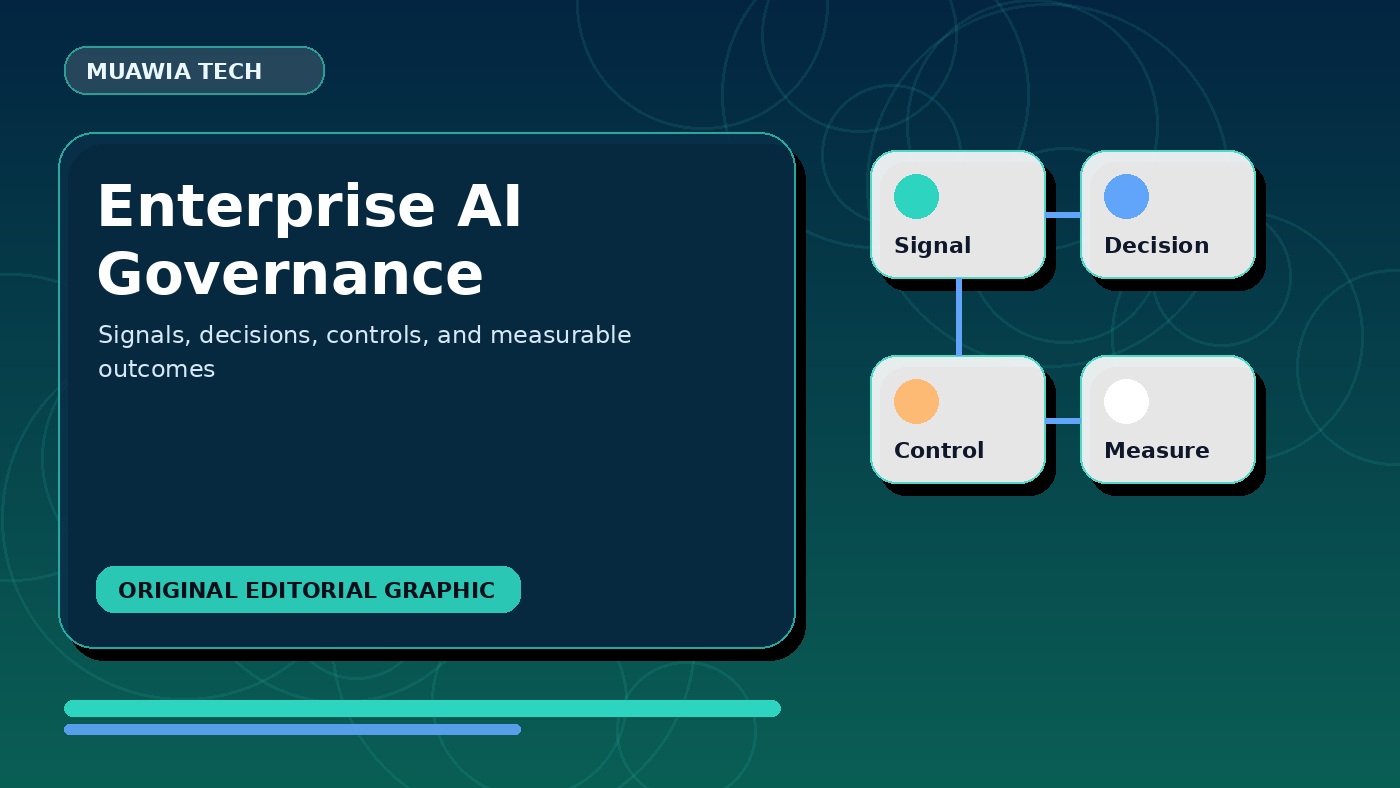
Why Enterprise AI Governance matters now
The timing matters because organizations are under pressure to adopt new technology without creating unmanaged risk. In practice, enterprise AI governance should be judged by business impact, user behavior, data exposure, and long-term maintainability. A topic that looks simple from the outside can affect procurement, training, compliance, customer trust, and daily operations.
Define one owner for enterprise AI governance and give that person authority to pause the rollout when evidence is weak or controls fail.
The main risks and opportunities
The opportunity is clear: better speed, clearer decisions, stronger controls, and less wasted manual work. The risk is also clear: teams may adopt a tool or process before they understand its limits. Common gaps include weak ownership, missing logs, unclear approval rules, poor documentation, and overconfidence in automation. Good planning should compare benefits with realistic failure modes.
Record the assumptions behind the pilot. When results differ from expectations, the team can change the design instead of defending an outdated plan.
How teams should evaluate it
Start by mapping the workflow. Identify who uses it, what information enters the process, where decisions are made, and what systems are touched. Then review identity controls, endpoint visibility, backup readiness, patch discipline, SaaS permissions, cloud logging, and incident response ownership. A simple map often shows whether the topic is mainly a training issue, a tooling issue, a governance issue, or a deeper architecture problem.
Use a small test group that reflects real working conditions. A pilot that avoids difficult users, sensitive data, or peak workloads will produce misleading evidence.
A practical implementation framework
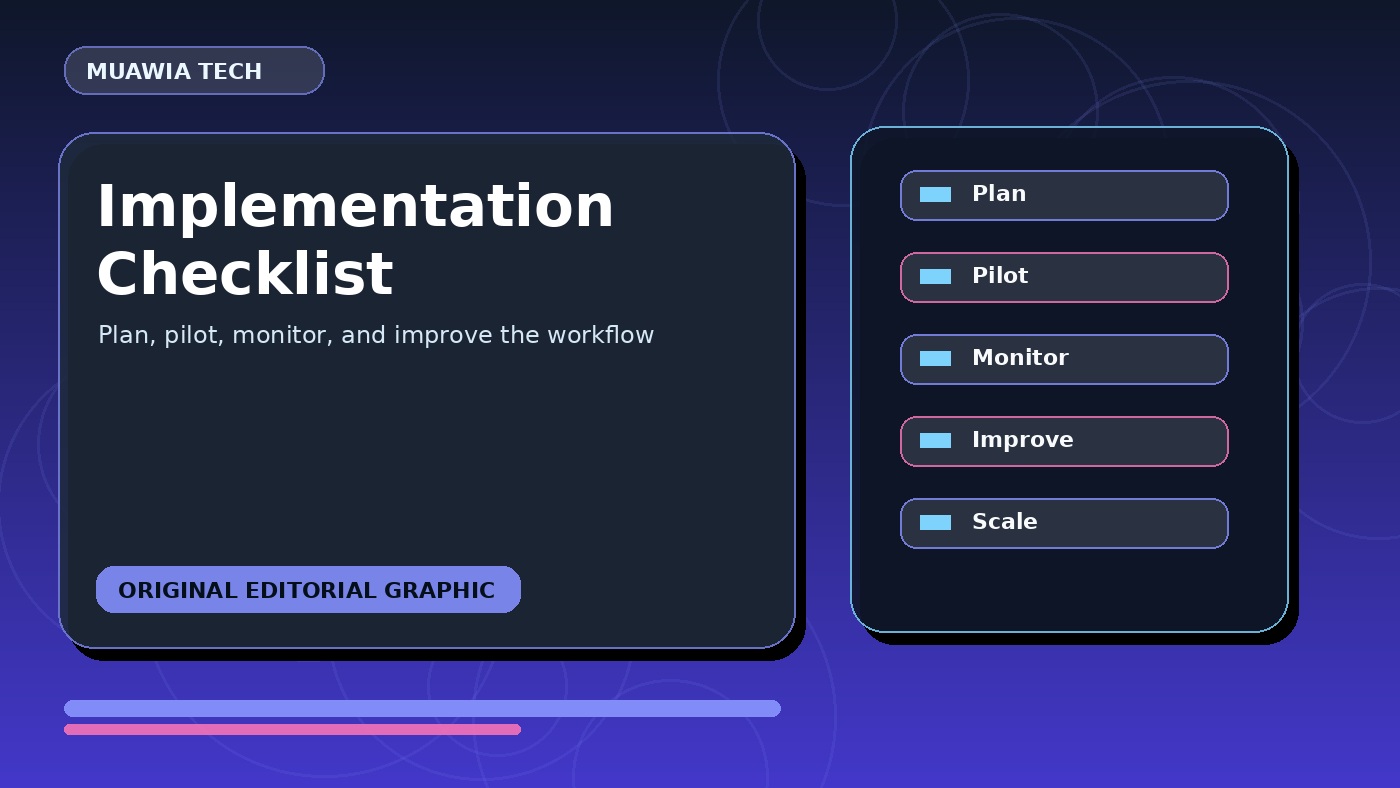
A safe implementation can follow this sequence: asset inventory, owner assignment, risk scoring, policy review, pilot testing, monitoring, documentation, and quarterly improvement. This keeps the project grounded. Instead of launching a broad change at once, teams can test the approach with a small group, measure results, fix weak points, and then expand with confidence.
Write down the exception process before launch. Staff need to know who approves unusual cases, where incidents are logged, and when security or legal teams must be involved.
What good governance looks like
Good governance is not a long document that nobody reads. It is a set of clear rules that fit the way people actually work. The rules should define acceptable use, approval requirements, data boundaries, escalation paths, monitoring expectations, and review cycles. When governance is lightweight and visible, users are more likely to follow it.
Review metrics in context instead of treating every increase as progress. Faster completion helps only when quality, access control, and recovery still hold up.
Metrics to track
Teams should track adoption, time saved, errors reduced, incidents avoided, support tickets, user satisfaction, and policy exceptions. Each metric should lead to a decision. If a feature saves time but creates more review failures, the process needs to change. If a control lowers risk but gets in the way of legitimate work, the rollout may need better training or more precise rules.
Test the recovery path as carefully as the normal workflow. Teams should be able to revoke access, restore data, investigate logs, and return to a known safe process.
Common mistakes to avoid
The first mistake is treating a trend as if it were a complete solution. The second is ignoring the people who have to use it under pressure. The third is failing to document recovery paths for when something goes wrong. The fourth is measuring activity only, such as the number of users or prompts, instead of outcomes like quality, safety, or business value.
Close the pilot with a written decision: expand, revise, or stop. Writing it down keeps an experiment from becoming permanent by default.
Internal links and further reading
Readers can connect this guide with related coverage in Security and Cloud. These sections provide broader context for risk management, AI adoption, cloud operations, and productivity workflows.
FAQ
Is Enterprise AI Governance only for large organizations?
No. Smaller teams can benefit because they often need simple, repeatable processes even more than large enterprises. The key is to start with one high-value workflow and keep the rollout manageable.
What is the safest first step?
Start with an inventory and a pilot. Choose one workflow, define success criteria, identify risks, and test with a small group before expanding.
How often should the process be reviewed?
Review it after the first pilot, after the first month of broader use, and then quarterly. Fast-changing technology needs regular checks because tools, risks, and user habits change quickly.
What should leaders ask before approving adoption?
Ask what problem the workflow is meant to solve, what data it uses, who owns it, how results will be checked, and what happens if the tool or process fails.
Conclusion
enterprise AI governance should be treated as a practical operating decision. Teams that get value from it will define the use case, control the risks, train users, measure outcomes, and keep improving the workflow over time. That is what turns a current topic into a lasting capability.
Step-by-step rollout plan
First, document the current process and the pain point. Second, define the desired result in measurable terms. Third, list the systems, users, data, and permissions affected by the change. Fourth, create a pilot group with a clear start and end date. Fifth, collect examples of successful and failed outputs. Sixth, update the guidance before you expand. This sequence keeps teams from scaling confusion.
Security and privacy review
Every modern technology workflow should include a privacy review. Teams should know whether sensitive data is entered, stored, exported, or shared with third parties. Access should be limited to the people who need it. Logs should be kept long enough to investigate problems. If the workflow involves customers, finance, health, legal, or internal strategy, approval rules should be stricter.
Training users without slowing them down
Training works best when it is short, specific, and close to the work. Give users examples they can copy, screenshots of correct behavior, and a simple checklist for risky situations. Avoid abstract policy language. A user should know exactly what to do when they see an unexpected result, a suspicious request, or a task that needs human review.
How to keep improving
After launch, collect feedback from users and reviewers. Look for repeated errors, confusing prompts, unnecessary approvals, and missing integrations. Improvement should be scheduled, not left to chance. A monthly review can remove friction, update templates, retire weak steps, and turn successful experiments into standard operating procedures.
Decision checklist for managers
Managers should confirm that the owner, scope, user group, data boundary, approval path, and success metric are all clear. They should also ask what will be stopped or simplified once the new workflow is adopted. Without that discipline, teams may add another layer of tools without removing old manual work, which weakens the business case and creates confusion.
Operational playbook
A useful playbook should describe normal use, exception handling, review responsibilities, and rollback steps. It should name the person or team responsible for updates. It should also include examples of acceptable and unacceptable usage. This makes the workflow easier to audit, easier to train, and easier to improve when new risks or opportunities appear.
Evidence register
Keep a simple record of the evidence behind each rollout decision. Include the test performed, who reviewed it, the expected result, what actually happened, and any limitation that could affect the conclusion. This record helps a later reviewer understand why the team expanded, changed, or stopped the workflow. It also keeps a confident summary from replacing the details needed for security, quality, or operational review.
Stakeholder review
Bring the people who run the process into the review before a wider launch. Technical owners can explain system limits, while daily users can point out steps that look fine on paper but fail under time pressure. If the workflow touches security, privacy, legal, or customer service, include reviewers from those areas too. Log unresolved concerns and give each one an owner and deadline instead of treating attendance as approval.
Cost and value check
Compare the full operating cost with the result the workflow delivers. Include setup, licenses, training, review time, maintenance, support, and the work required when outputs fail. Then compare those costs with measurable changes in completion time, quality, risk, or service capacity. This check helps teams separate a useful capability from a tool that produces impressive demos but adds more work to production.
Change communication
Tell affected users what will change, what will stay the same, and where they can get help. Explain why the new workflow exists in practical terms instead of relying on slogans about transformation. Give people a clear date, a short set of instructions, and a way to report problems. Review early feedback quickly so avoidable friction does not become part of the process.
Post-launch review
Schedule a formal review after the workflow has handled enough real work to show its strengths and weak spots. Compare the results with the original baseline, review exceptions and support requests, and check whether users follow the documented process. Decide which controls or templates need revision and whether the expected value justifies continued operation. Publish the decision internally so the next review starts with a clear record.