
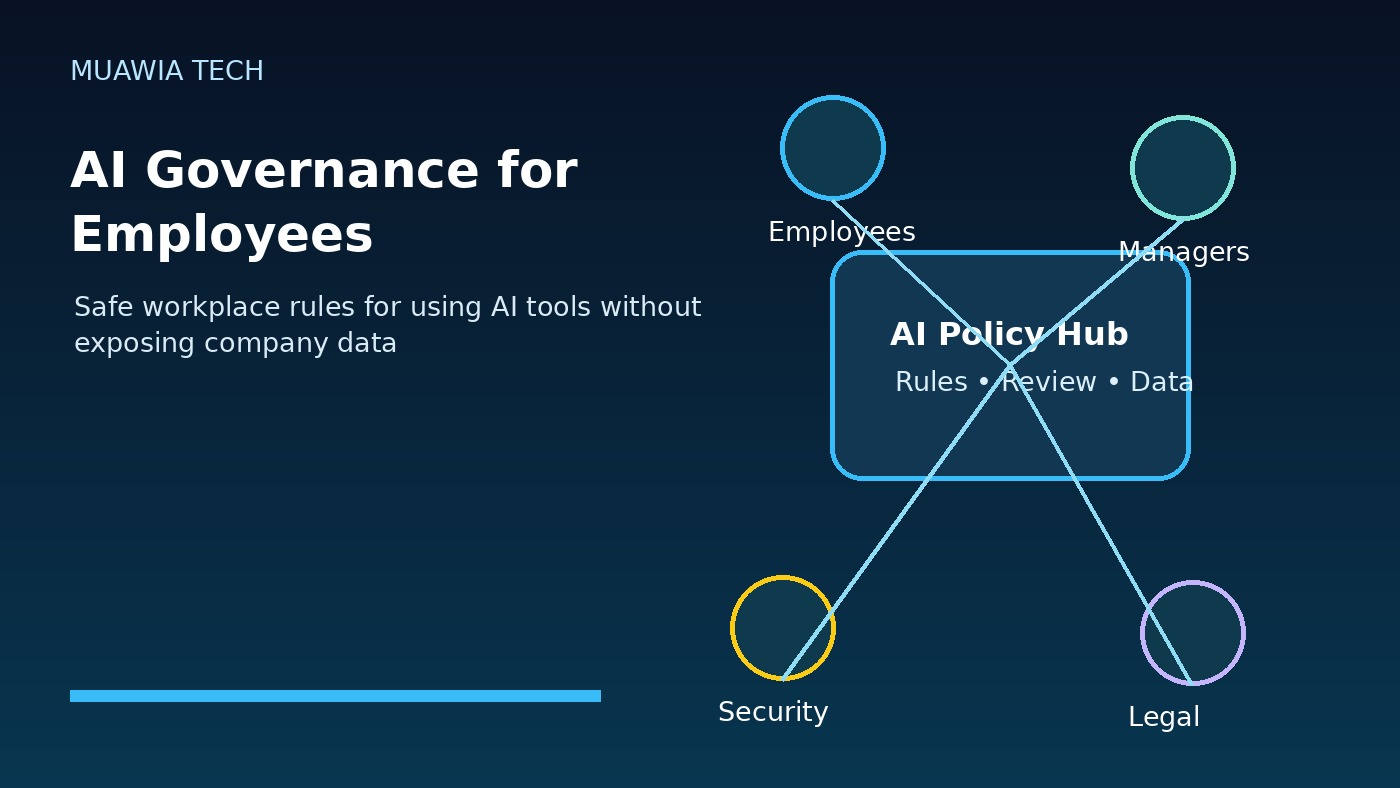
AI governance for employees is no longer a policy topic reserved for executives, legal teams, or security departments. Employees now use AI tools to draft emails, summarize documents, write code, analyze spreadsheets, create images, research markets, and automate routine work. That makes AI useful, but it also creates new risks when people paste sensitive data into the wrong tool, trust an inaccurate answer, or let an AI system act without enough human review.
A good workplace AI policy should not simply say “use AI” or “do not use AI.” Employees need clear, practical rules that explain which tools are approved, what data is allowed, when human review is required, and who is responsible for decisions. The goal of AI governance is to help people use AI safely while protecting customers, company data, intellectual property, and business reputation.
Why employees need AI governance
Many organizations already have employees using AI, even if no official program exists. Some use public chatbots. Others use AI inside office suites, browsers, design tools, customer-support platforms, developer tools, or marketing software. Without governance, each employee makes a personal judgment about what is safe. That creates inconsistent behavior across the company.
AI governance for employees turns uncertainty into repeatable rules. It tells staff what they can use AI for, what they must avoid, and how to ask for help when a use case is unclear. This is especially important because AI tools can sound confident even when they are wrong. They can also store prompts, process uploaded files, or generate content that creates copyright, privacy, or compliance concerns.
Start with approved AI tools
The first rule should be simple: employees should use approved AI tools for work. Approved tools are reviewed for security, privacy, data handling, account management, and business fit. This does not mean every new tool must be blocked. It means the company needs a lightweight approval path so useful tools can be evaluated before they handle real business data.
An approved-tool list should include the tool name, allowed use cases, data restrictions, owner, and support contact. For example, a company may allow an AI writing assistant for drafting public marketing copy but not for uploading customer contracts. A developer team may allow a coding assistant inside approved repositories but require human review before any AI-generated code is merged.
Protect sensitive data in prompts and uploads
Employees need examples of what not to paste into AI systems. Restricted data usually includes passwords, API keys, private customer records, financial information, legal documents, employee records, confidential strategy, unreleased product plans, source code from sensitive repositories, and any regulated data. The policy should explain that prompt text, uploaded files, screenshots, transcripts, and generated outputs can all create data exposure risk.
Safe alternatives help employees follow the rule. They can remove names and identifiers, summarize a document without uploading the original, use internal approved tools, or ask the data owner before sharing sensitive material. Governance works best when it provides practical routes instead of only warnings.
Require human review before business use
AI outputs should not be treated as final truth. Employees should verify facts, links, calculations, legal claims, technical steps, and customer-facing language before using AI-generated material. For high-impact work, review should be documented. This includes financial analysis, security decisions, hiring materials, medical or legal topics, code changes, customer communications, and anything that affects contracts or compliance.
Human review is not a sign that AI failed. It is part of responsible use. AI can accelerate drafts and analysis, but people remain accountable for decisions. A clear policy should say that employees cannot blame the tool for inaccurate, biased, unsafe, or unauthorized work.
Define allowed and prohibited use cases
Employees benefit from concrete examples. Allowed use cases may include brainstorming, summarizing public information, drafting internal notes, improving grammar, creating first-draft outlines, generating spreadsheet formulas, or explaining technical concepts. Conditional use cases may include customer support, code generation, analytics, or document review when approved tools and human checks are in place.
Prohibited use cases should also be explicit. These may include entering secrets into public tools, uploading confidential customer files to unapproved systems, generating fake reviews or misleading claims, creating impersonation content, bypassing security controls, making automated employment decisions without review, or publishing AI-generated advice in regulated areas without expert approval.
Set rules for customer-facing content
AI can help create blog posts, emails, ads, documentation, and support replies, but customer-facing content needs extra care. Employees should check accuracy, tone, originality, brand fit, and compliance before publication. If the company requires disclosure for AI-assisted content, the policy should explain when and how to disclose it.
Marketing and sales teams should be especially careful with claims. AI may invent product features, statistics, customer stories, or legal guarantees. A governance rule should require source checking for facts and approval for sensitive claims. This protects both trust and search quality.
Govern AI agents and automation
The risk changes when AI can take action. An AI assistant that drafts text is different from an AI agent that can send emails, update tickets, change website content, run scripts, access cloud dashboards, or call APIs. Employees should not connect AI agents to business systems without approval. Every agent needs an owner, a purpose, permission limits, logs, and a way to disable it quickly.
For technical teams, AI governance should connect to identity and access management. Agents should use scoped service accounts, not personal administrator sessions. They should have the minimum access needed, and high-impact actions should require approval. This aligns with broader security guidance in the Muawia Tech Security archive.
Train employees with real examples
A policy document is not enough. Employees need short training with realistic scenarios: Can I paste a customer complaint into an AI tool? Can I ask AI to summarize a contract? Can I use AI to write a performance review? Can I generate code for production? Can I upload a spreadsheet with customer emails? Scenario-based training helps people remember the rules when they are working quickly.
Managers should reinforce the same message: AI use is allowed when it follows company rules. Employees should not feel forced to hide AI use, because hidden use is harder to secure. A transparent process encourages people to ask before risky use cases become incidents.
Monitor, audit, and improve the rules
AI governance should evolve. Track approved tools, reported issues, policy exceptions, training completion, risky prompts, and high-impact AI workflows. Review the policy when new tools are adopted, regulations change, or employees discover better workflows. Governance should be practical enough to follow and strong enough to reduce risk.
Organizations should also monitor browser extensions, OAuth apps, SaaS integrations, and AI features inside existing business platforms. Many AI capabilities appear inside tools employees already use, so governance cannot focus only on standalone chatbots. Related cloud and automation topics in the Muawia Tech Cloud section can help connect AI policy with operational controls.
Practical employee checklist
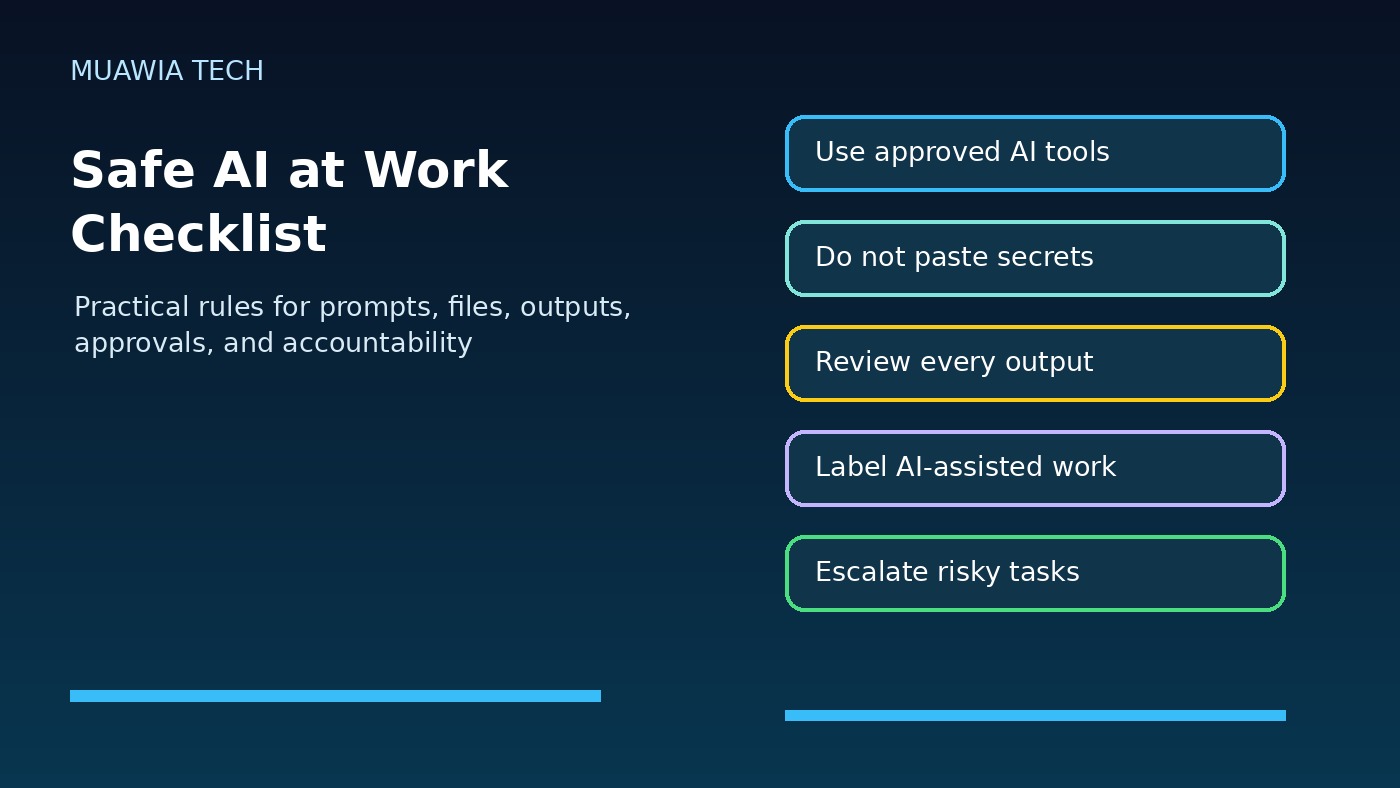
- Use approved AI tools for work tasks.
- Do not paste secrets, passwords, API keys, or confidential records into unapproved AI systems.
- Remove personal or customer identifiers unless an approved tool and policy allow them.
- Verify facts, calculations, code, sources, and customer-facing claims.
- Label or disclose AI-assisted work when company policy requires it.
- Ask for review before using AI for legal, HR, finance, security, or regulated topics.
- Do not connect AI agents to business systems without approval.
- Report suspicious AI outputs, data exposure, or unsafe tool behavior.
FAQ
What is AI governance for employees?
AI governance for employees is a set of workplace rules that explains how staff can safely use AI tools, what data they can share, when human review is required, and who is responsible for AI-assisted work.
Should employees be allowed to use AI at work?
Yes, when clear rules are in place. Blocking all AI often drives hidden use. A better approach is to approve safe tools, define data restrictions, train employees, and review high-impact outputs.
What data should never be pasted into public AI tools?
Employees should avoid entering passwords, API keys, customer records, confidential contracts, private employee information, unreleased plans, sensitive source code, and regulated data unless the tool and policy explicitly allow it.
Who is responsible for AI-generated work?
The employee and the business process owner remain responsible. AI can assist, but people must verify accuracy, safety, compliance, and brand fit before using outputs in real work.
Conclusion
AI governance for employees helps companies get value from AI without turning everyday tools into unmanaged risk. The most effective rules are clear, practical, and easy for employees to follow: use approved tools, protect sensitive data, review outputs, govern agents, and escalate risky use cases. With the right governance, AI becomes a safer productivity layer rather than a hidden source of business exposure.