
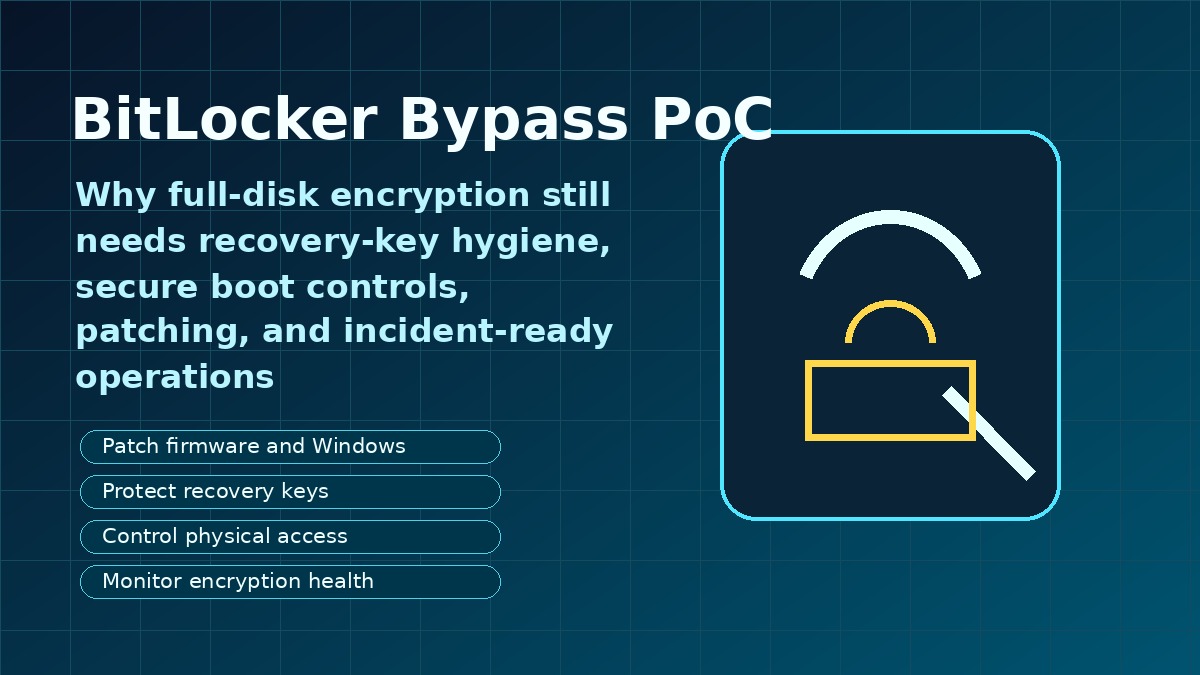
BitLocker security is back in the spotlight after public discussion of a proof-of-concept bypass technique sometimes referred to as YellowKey. For many organizations, the headline sounds alarming: if full-disk encryption can be bypassed under certain conditions, does that mean encryption is no longer useful? The practical answer is no. Full-disk encryption remains one of the most important protections for lost and stolen devices, but it must be supported by operational controls, secure hardware configuration, recovery-key discipline, and fast patch management.
The bigger lesson for business and home users is that encryption is not a single button that permanently solves device security. BitLocker, Secure Boot, TPM protection, firmware updates, identity controls, and recovery processes all work together. If one layer is weak, attackers may look for a way around the others. This guide explains what the BitLocker bypass discussion means, why recovery keys and device configuration matter, and what Muawia Tech readers can do to reduce real-world risk.
What BitLocker Is Designed to Protect
BitLocker is Microsoft’s full-disk encryption technology for Windows. Its primary job is to protect data at rest. If a laptop is lost, stolen, or removed from a trusted environment, encryption helps prevent someone from simply taking the drive, connecting it to another computer, and reading files directly.
In modern Windows deployments, BitLocker often works with a Trusted Platform Module, or TPM. The TPM stores secrets and helps verify that the device boots in an expected state. Secure Boot adds another layer by checking that trusted boot components are used. Together, these controls make casual data theft much harder.
However, BitLocker is not meant to replace every other security practice. It does not stop phishing, weak passwords, malicious browser extensions, exposed cloud accounts, or users who approve dangerous prompts. It also depends on the integrity of the boot chain, firmware settings, recovery-key handling, and administrative policies.
Why a BitLocker Bypass PoC Matters
A proof of concept is a demonstration that a technique can work under specific conditions. Security researchers publish or discuss PoCs to show vendors and defenders where controls may fail. Attackers also pay attention, which is why organizations should treat credible PoCs as an operational signal.
The recent BitLocker bypass discussion is important because it reminds defenders that device encryption can be affected by boot configuration, recovery workflows, hardware behavior, and patch levels. Even if exploitation requires physical access or a particular device state, businesses should not ignore it. Lost laptops, unattended endpoints, shared offices, repair shops, and decommissioned hardware are all real-world scenarios where physical access can happen.
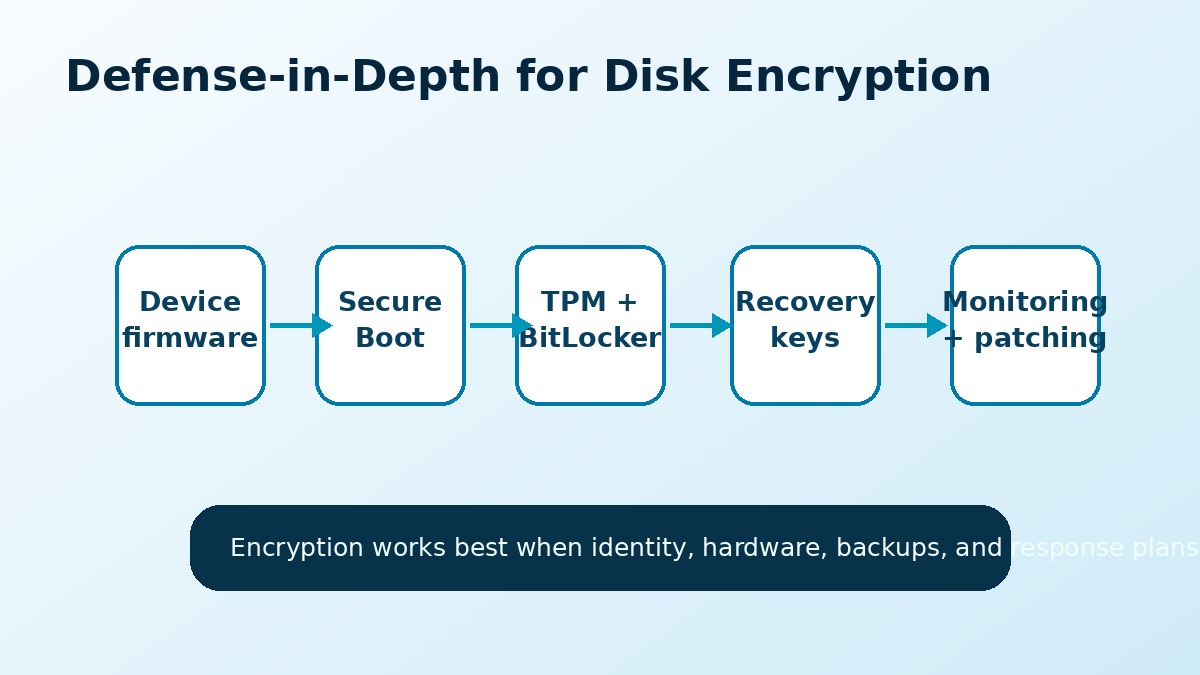
The Most Important Lesson: Encryption Needs Layers
Security teams often describe defense in depth as using multiple controls so that one failure does not expose everything. Disk encryption should be treated the same way. A strong BitLocker setup includes secure boot settings, TPM protection, controlled recovery-key storage, endpoint monitoring, patch management, and clear procedures for lost devices.
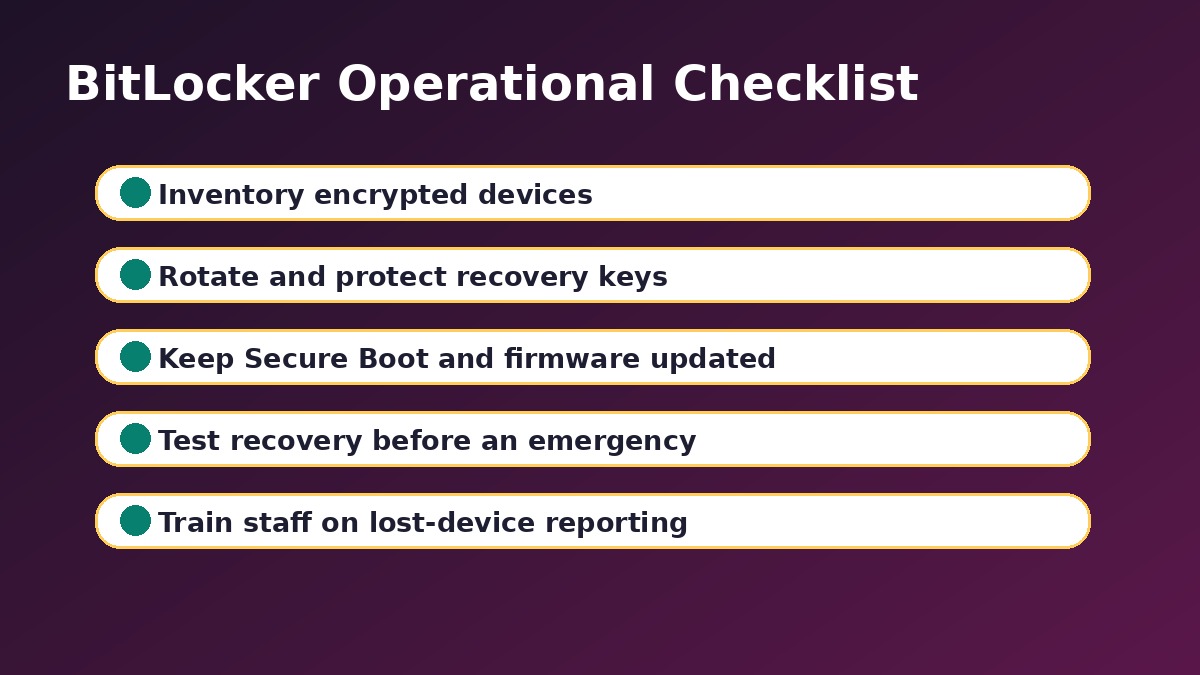
Practical BitLocker Security Checklist
The following checklist is designed for IT teams, small businesses, and security-conscious individuals. It focuses on controls that reduce risk without requiring complex enterprise tooling.
1. Confirm That Devices Are Actually Encrypted
Many organizations believe all laptops are encrypted, but exceptions appear over time. New devices may be missed, old devices may have encryption suspended during repair, and unmanaged machines may never be checked. Maintain an inventory that shows encryption status, protection status, and recovery-key availability.
2. Keep Windows, Firmware, and Boot Components Updated
Disk encryption depends partly on the boot environment. Firmware, bootloaders, Secure Boot databases, and operating-system patches should be maintained. A device that is fully patched at the application level but neglected at the firmware level may still carry avoidable risk.
3. Review Secure Boot and TPM Settings
Secure Boot should be enabled where supported, and TPM-based protection should be configured according to your organization’s risk level. Some high-risk environments may require a PIN at boot in addition to TPM protection. That adds friction, but it can reduce risk if attackers gain physical access to a device.
4. Protect Recovery Keys Like Sensitive Credentials
Recovery keys are powerful. If someone can access a recovery key, they may be able to unlock encrypted data. Store keys in approved systems such as Microsoft Entra ID, Active Directory, or a trusted password and secrets management process. Avoid screenshots, spreadsheets, personal email, or shared chat messages.
5. Rotate Keys After Exposure or Suspicious Events
If a recovery key is exposed, used unexpectedly, or stored in an unsafe location, treat it as a security event. Rotate the key, document the reason, and review who had access. Recovery-key hygiene is just as important as password hygiene.
6. Train Staff on Lost-Device Response
People often delay reporting a lost laptop because they hope to find it later. That delay can increase risk. Staff should know how to report a missing device quickly, what information to provide, and why fast reporting helps IT revoke sessions, check encryption status, and monitor for suspicious activity.
7. Do Not Ignore Decommissioned Hardware
Old laptops, drives, and test devices often fall outside normal monitoring. Before disposal, resale, or repair, confirm encryption status and follow a documented wipe or destruction process. Encryption is useful, but it should not be the only control for retired hardware.
What Small Businesses Should Do First
Small businesses may not have a dedicated security team, but they can still make strong improvements. Start by checking every Windows laptop for BitLocker status. Confirm that recovery keys are saved in a business-controlled account, not only on an employee’s personal Microsoft account. Turn on automatic updates, document lost-device reporting, and make sure admin accounts are protected with multi-factor authentication.
If your business uses Microsoft 365, review device and account security together. A stolen laptop can create both local data risk and cloud account risk. Encryption protects stored data, while identity security protects email, files, and SaaS applications. For more related guidance, readers can explore Muawia Tech’s Security section and broader IT topics.
What Home Users Should Do
Home users should also pay attention. Many personal laptops contain tax files, saved browser sessions, photos, work documents, and passwords. Enable device encryption if available, keep Windows updated, use a strong account password, and save recovery information securely. If a device is lost, change important account passwords and sign out of active sessions from another device.
How IT Teams Can Monitor BitLocker Health
Monitoring should answer simple questions: which devices are encrypted, which devices have protection suspended, where recovery keys are stored, and which devices have not checked in recently? In managed environments, Microsoft Intune, endpoint management platforms, or security information systems can help track these signals.
Teams should also watch for unusual recovery-key access. A legitimate help-desk request is normal. Repeated recovery-key lookups, access by unexpected administrators, or recovery requests from risky locations deserve attention.
Common Mistakes That Weaken Disk Encryption
- Assuming encryption is enabled everywhere: verify instead of guessing.
- Leaving protection suspended: re-enable BitLocker after maintenance.
- Storing recovery keys carelessly: treat them like high-value secrets.
- Ignoring firmware updates: boot security depends on more than Windows patches.
- No lost-device process: speed matters when hardware disappears.
FAQ About BitLocker Bypass Risk
Does a BitLocker bypass mean encryption is useless?
No. Encryption is still valuable, especially against common lost-device and drive-removal scenarios. A bypass discussion means organizations should review configuration, patching, and recovery-key controls instead of relying on encryption alone.
Who is most at risk from BitLocker bypass techniques?
Risk is higher when attackers can get physical access to a device, when firmware or boot components are outdated, when Secure Boot is misconfigured, or when recovery keys are poorly protected.
Should businesses stop using BitLocker?
No. Businesses should continue using BitLocker or equivalent full-disk encryption. The better response is to strengthen supporting controls, monitor encryption health, and keep devices updated.
Is a TPM enough to protect encrypted devices?
A TPM is important, but it is not the entire security model. Secure Boot, firmware updates, recovery-key management, identity protection, and user training also matter.
How often should recovery keys be reviewed?
Organizations should review recovery-key storage during device onboarding, offboarding, security audits, and after any suspected exposure. Keys should be rotated when there is a reasonable chance they were accessed or stored insecurely.
Conclusion
The BitLocker bypass headlines are a useful reminder that security controls must be operated, not just enabled. Full-disk encryption remains essential, but it works best as part of a broader device-security program that includes secure boot settings, careful recovery-key handling, patching, monitoring, and clear incident response.
For Muawia Tech readers, the practical takeaway is straightforward: check your encryption status, protect recovery keys, keep systems updated, and prepare for lost-device scenarios before they happen. Encryption is powerful, but disciplined operations make it dependable.
Related update: GitHub Copilot Workspace Enters Public Beta.
Related update: ‘Your Data’ Doesn’t Mean What You Think It Means.