
Daily security checklist habits are becoming essential for businesses in 2026 because the most damaging incidents rarely begin with a mysterious “advanced” attack. They often start with a missed alert, a reused password, a stale account, an unpatched device, an exposed file, an untested backup, or a support request that an employee trusted too quickly. A strong security program still needs strategy, tools, and leadership, but daily operational discipline is what keeps small weaknesses from becoming business interruptions.
This guide is designed for owners, IT managers, operations leaders, and security-aware teams that need a realistic routine. It does not assume a large security operations center. Instead, it turns Zero Trust and cyber hygiene ideas into checks that can be reviewed in minutes, assigned to real people, and improved over time. The objective is simple: verify what matters, reduce avoidable risk, and make sure someone notices when the environment changes.
A checklist is not a replacement for professional risk assessment, compliance work, or incident response planning. It is a practical control layer. If your organization handles regulated data, align the routine with legal and industry obligations. For everyone else, the same fundamentals still apply: protect identities, devices, data, networks, cloud services, and recovery options.
1. Confirm that identity signals look normal
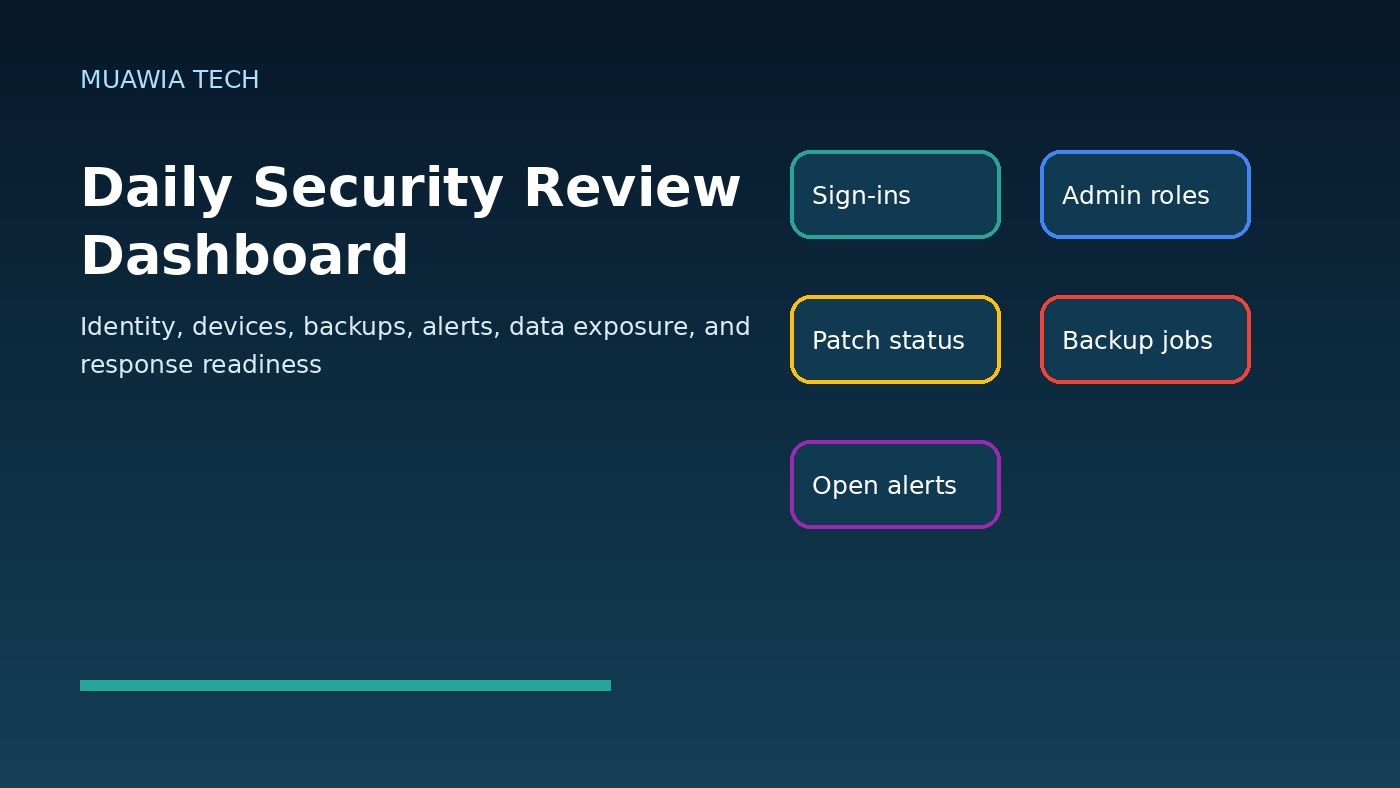
Identity is the front door to modern business systems. Start each day by reviewing high-risk identity events: new administrator accounts, failed login spikes, unusual country or device logins, password resets, MFA changes, disabled security settings, and suspicious session activity. If your identity provider or email platform provides risk alerts, those should be checked before routine inbox work begins.
Pay attention to executive, finance, IT, HR, and administrator accounts. These identities can approve payments, change payroll, access customer data, reset other users, or modify infrastructure. Daily review means checking events most likely to show account takeover, insider misuse, or social engineering.
2. Review privileged access and recent user changes
Every business should know who gained access yesterday. Check new users, role changes, shared mailbox permissions, new API tokens, external collaborators, and vendor accounts. If a contractor finished work, access should not wait for a quarterly review. If an employee changed roles, old privileges should be removed quickly.
Use least privilege as a daily operating habit, not a slogan. A sales user does not need payroll access. A temporary designer does not need permanent access to a full cloud drive. A vendor should not keep admin rights after support is complete. Small access cleanups prevent large investigations later.
3. Check endpoint and device health
Devices are where people work, attackers persist, and data often leaks. Review endpoint protection status, device encryption, missing security updates, failed backups on laptops, disabled agents, and machines that have not checked in. A device that disappears from management tools may be offline, retired, or compromised. Either way, it deserves attention.
For smaller teams, track exceptions: unpatched laptops, unmanaged phones, servers needing reboot, and unhealthy security agents. The goal is not perfection. It is to prevent invisible drift.
4. Verify backup success and recovery confidence
Backups are only useful if they complete and can be restored. Each day, confirm that critical backups ran successfully for files, databases, websites, SaaS platforms, accounting systems, and operational documents. Watch for failed jobs, shrinking backup sizes, unusual deletion activity, disabled retention, or backup storage that is reachable from ordinary user accounts.
Daily review should be paired with scheduled restore tests. You do not need to restore everything every morning, but you do need evidence that recovery works. Ransomware and accidental deletion are less frightening when the team knows what can be restored, how long it takes, and who can start the process.
5. Scan alerts before they become incidents
Security alerts are easy to ignore when tools generate noise. A daily checklist should define which alerts must be reviewed first: malware detections, blocked sign-ins, impossible travel, endpoint isolation events, new firewall exposures, suspicious forwarding rules, data-loss-prevention alerts, disabled logging, and risky cloud configuration changes.
If an alert is repeatedly false, tune it rather than ignoring it. If an alert is repeatedly true, fix the root cause. A noisy dashboard can train staff to miss real attacks. A useful daily process turns alerts into decisions: investigate, escalate, tune, document, or close with a reason.
6. Look for unusual business activity
Security is not limited to security tools. Business systems often show the earliest signs of trouble. Review unusual refunds, payment changes, invoice edits, new bank details, large file downloads, deleted records, unexpected exports, odd inventory adjustments, or customer complaints about strange messages.
This is especially important for phishing and business email compromise. An attacker may not trigger malware alerts if they use a stolen account to change payment instructions. A daily review of financial and operational anomalies can stop fraud before money leaves the business.
7. Check exposed data and sharing links
Cloud storage and collaboration platforms make work faster, but they also make oversharing easy. Review new public links, external shares, files shared with personal email addresses, folders containing customer records, and documents with broad permissions. Sensitive data should not be exposed because a team needed convenience yesterday.
Set rules for what can be shared externally, how long links remain active, and who can approve exceptions. When possible, use labels, data-loss-prevention policies, and automated reports. Even without advanced tooling, reviewing high-value folders can reduce accidental exposure.
8. Confirm patch and vulnerability priorities
Not every update can be applied immediately, but critical exposure should be visible every day. Review internet-facing systems, VPNs, firewalls, remote access tools, website plugins, email gateways, cloud workloads, and business-critical applications. If a severe vulnerability affects a system exposed to the internet, assign ownership and a deadline immediately.
Daily patch review is about triage. Which vulnerabilities are actively exploited? Which assets are public? Which systems store sensitive data? Which patches require maintenance windows? A simple priority queue is better than a long report that nobody acts on.
9. Reconfirm network and remote-access boundaries
Zero Trust begins with the assumption that access should be verified and limited. Review remote access logs, VPN usage, firewall changes, new open ports, guest Wi-Fi separation, privileged network access, and remote support tools. Disable remote tools that are no longer needed and verify that temporary access really expired.
For small businesses, the daily question is straightforward: can a personal device, guest network, compromised camera, or old vendor account reach systems it should not reach? If the answer is unclear, document it and improve segmentation. Flat networks turn small compromises into larger incidents.
10. Watch employee-reported security concerns
Employees are sensors. They see suspicious emails, strange calls, unexpected login prompts, unusual device behavior, and odd customer requests. Check the security mailbox, ticket queue, or reporting channel daily. Thank people for reporting, even when the event is harmless. A culture that punishes false alarms will miss real ones.
Provide simple guidance: do not approve unexpected MFA prompts, do not install remote tools from unsolicited calls, do not move payment details based only on email, and report suspicious messages before clicking links. Short reminders are often more effective than annual training alone.
11. Keep an incident response card ready
Every day, someone should know where the incident response contacts and first steps are stored. The response card should include internal decision makers, IT support, cyber insurance, legal counsel, hosting providers, payment processors, bank contacts, and key vendors. It should also define who can isolate a device, disable an account, shut down remote access, and contact customers.
During an incident, confusion wastes time. A clear response card helps the team preserve evidence, reduce damage, and communicate responsibly. Review it regularly so escalation paths stay current.
The daily security checklist
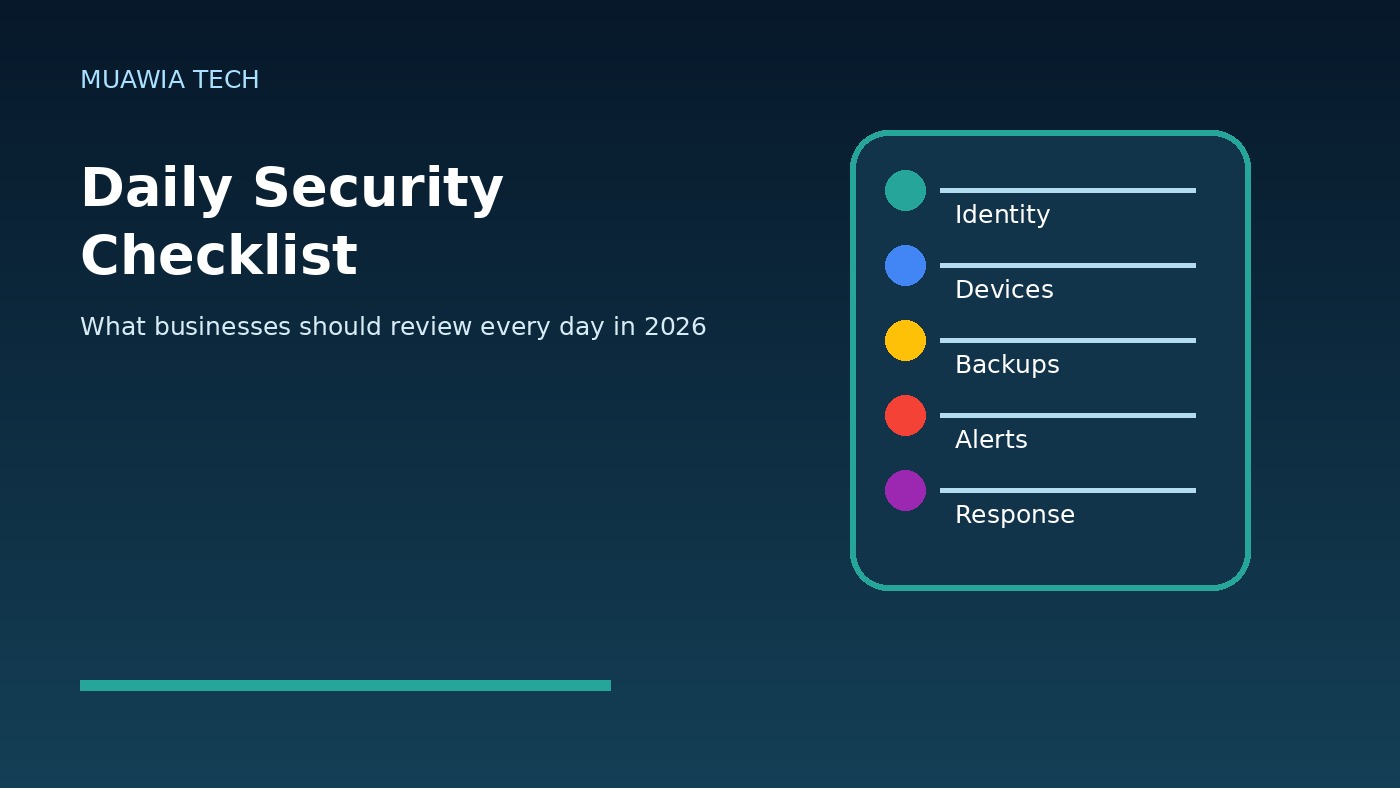
- Review identity alerts, risky sign-ins, MFA changes, and new administrator activity.
- Check new users, role changes, vendor access, shared permissions, and API tokens.
- Confirm endpoint protection, device check-ins, encryption, and urgent patch status.
- Verify backup jobs completed and investigate failures or unusual backup changes.
- Review high-priority security alerts and assign ownership for unresolved events.
- Look for unusual refunds, invoice changes, file exports, payment edits, or record deletions.
- Check public links, external shares, and sensitive folders for accidental exposure.
- Review critical vulnerabilities affecting internet-facing systems and remote access.
- Confirm guest networks, remote tools, and vendor connections remain limited.
- Read employee-reported suspicious messages, calls, prompts, or device issues.
What to review weekly and monthly
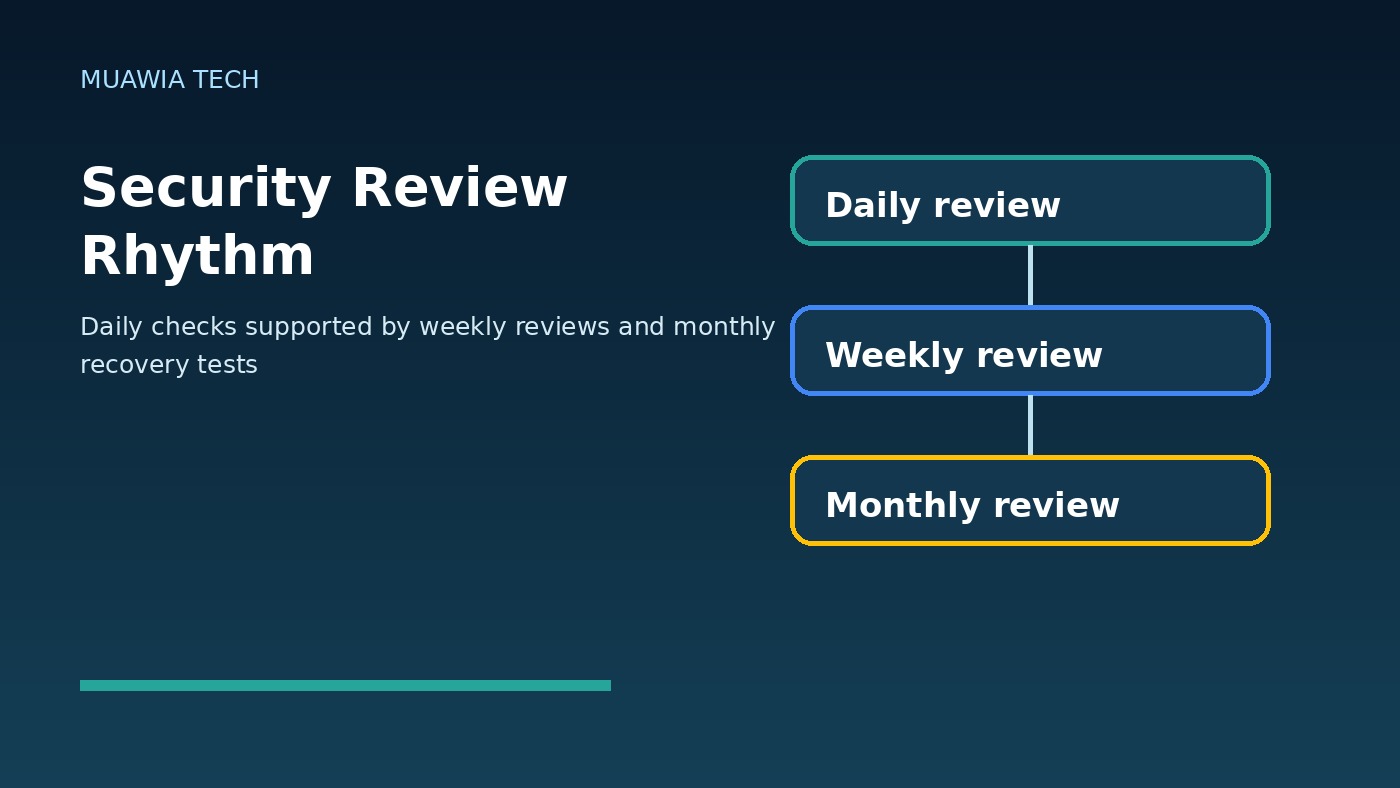
Daily checks should stay short. Move deeper tasks to a weekly or monthly rhythm. Weekly, review all privileged users, stale accounts, open incidents, unresolved vulnerabilities, critical SaaS settings, and vendor access. Monthly, test a restore, run a tabletop incident exercise, review security policies, update the asset inventory, audit external sharing, and confirm that logging still covers critical systems.
This separation prevents checklist fatigue. If the daily routine becomes too large, people will skip it. Keep the daily list focused on signals that change quickly and can cause immediate harm. Use weekly and monthly reviews for structural improvement.
FAQ
Who should own the daily security checklist?
Ownership depends on company size. In a small business, an owner, operations manager, or outsourced IT provider may own it. In a larger organization, IT operations, security, identity, and finance may share responsibility. Each check needs a named owner.
How long should a daily security review take?
A practical review can take 15 to 30 minutes when dashboards, alerts, and responsibilities are organized. Complex environments may need more time, but the daily routine should remain focused on high-risk changes and exceptions.
Is a daily checklist enough for compliance?
No. Compliance programs may require documented controls, evidence retention, risk assessments, vendor reviews, and formal policies. A daily checklist supports compliance by creating operational evidence, but it does not replace legal or regulatory guidance.
How does this relate to Zero Trust?
Zero Trust means verifying access, limiting privileges, assuming compromise is possible, and monitoring continuously. A daily checklist turns those principles into repeatable actions across identity, devices, data, networks, applications, and response readiness.
Conclusion
A daily security checklist gives businesses a practical way to reduce risk without waiting for a crisis. The routine does not need to be complicated. Review identity, access, devices, backups, alerts, data sharing, vulnerabilities, remote access, employee reports, and response readiness. Then document exceptions and assign owners. Over time, these small daily reviews create a stronger security culture, faster incident detection, and better resilience when something goes wrong.
For more practical guidance, continue reading Muawia Tech’s Security coverage and related Cloud resilience articles.
Related update: Quantum-Safe Security in 2026: Why Businesses Must Prepare for Harvest-Now-Decrypt-Later Risk.