
Point of sale security is no longer a problem only for large retailers. In 2026, a coffee shop, clinic, restaurant, boutique, repair store, or local market may depend on the same connected ingredients as a national chain: cloud dashboards, card readers, tablets, barcode scanners, Wi-Fi, inventory apps, delivery integrations, remote support tools, and staff accounts. That convenience is useful, but it also creates more places where a mistake can turn into payment fraud, data exposure, downtime, or reputational damage.
The good news is that small businesses do not need an enterprise security department to improve their risk posture. They need a practical operating checklist that fits real retail life. The goal is to protect payment activity, reduce the damage from stolen credentials, keep devices trustworthy, and make sure someone notices when something looks wrong. This guide explains the controls that matter most and turns them into daily, weekly, and monthly habits.
Use this point of sale security checklist as a non-vendor starting point. Adapt it to your payment processor, POS provider, industry obligations, and local regulations. Align regulated payment environments with PCI DSS guidance and processor requirements.
1. Know every device that touches the checkout flow
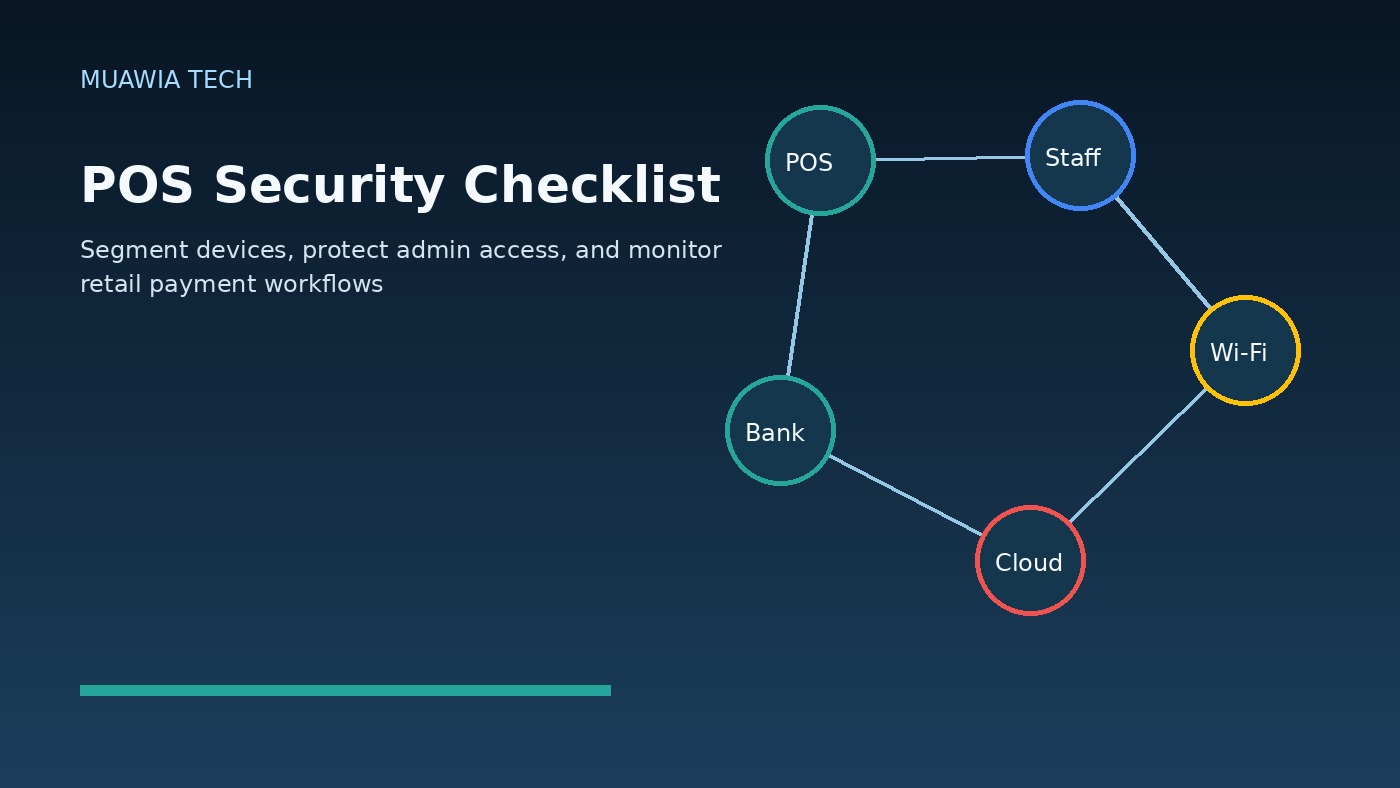
You cannot secure what you cannot identify. Start by listing every device and service involved in selling, refunding, reporting, or supporting payments. Include terminals, tablets, cash drawers, receipt printers, barcode scanners, back-office computers, routers, Wi-Fi access points, mobile phones used for business apps, cloud POS dashboards, accounting integrations, loyalty platforms, delivery apps, and remote support tools.
For each item, record the owner, location, serial number or asset tag, software version, admin contact, support vendor, and whether it stores or can access customer or payment information. This inventory should be simple enough for a manager to update. A spreadsheet is acceptable if it is accurate, protected, and reviewed regularly.
2. Lock down administrator access
Many POS incidents start with weak account control. Every administrator should have a named account, not a shared login. Turn on multi-factor authentication for POS dashboards, payment processor portals, email accounts, domain hosting, cloud storage, remote access, accounting systems, and any app that can change refunds, prices, tax settings, users, or payout details.
Limit admin rights to people who truly need them. Cashiers usually do not need the same privileges as owners or IT support. Former employees, temporary contractors, and old vendors should be removed promptly. If your POS platform supports role-based permissions, create roles for cashier, shift lead, manager, accountant, and administrator instead of giving everyone broad access.
3. Segment the payment network
A flat network is risky because one infected laptop or guest device may be able to see systems that process payments. Keep POS devices on a dedicated network or VLAN separated from guest Wi-Fi, staff personal devices, office computers, security cameras, and smart TVs. Guest Wi-Fi should never share the same network as checkout devices.
If segmentation sounds technical, ask your internet provider, managed service provider, or POS vendor for help. The business requirement is straightforward: a customer phone, employee laptop, or compromised camera should not be able to reach the card terminal or back-office POS system. Also change default router passwords, keep router firmware updated, and disable remote administration unless it is securely configured and monitored.
4. Patch POS software, operating systems, and network gear
Updates are not glamorous, but they close known weaknesses. Keep POS apps, tablet operating systems, payment terminal firmware, back-office computers, browsers, routers, and security software current. Schedule updates during low-traffic hours and test critical functions afterward: sales, refunds, receipts, inventory sync, employee login, and daily closeout.
Do not ignore devices that “just work.” Old tablets, unsupported Windows machines, outdated Android devices, and abandoned plugins can become the weakest link. If a device no longer receives security updates, plan its replacement. A cheap device can become expensive if it exposes payment operations or stops checkout during a busy period.
5. Minimize payment data exposure
The safest card data is data your business never stores. Use trusted payment processors and tokenized payment flows where possible. Avoid writing card details on paper, collecting payment data through email or chat, or storing screenshots of customer payment information. If staff need to take phone orders, define an approved process that does not leave card numbers in notes, recordings, spreadsheets, or messaging apps.
Review exports and reports. Some businesses accidentally download more customer information than they need and leave it on a desktop or shared drive. Keep reports limited, delete old exports on a schedule, and restrict who can access financial and customer data.
6. Train staff for fraud, phishing, and device tampering
Retail security depends on people. Staff should know what a suspicious login prompt looks like, why they must not share codes, how to report a strange card reader, and what to do if a caller claims to be from “support.” Attackers often pressure employees during busy hours with urgent requests to install software, reset a password, process a refund, or reveal a verification code.
Create short scripts for common situations. For example: “We do not install remote support tools unless the owner or manager opens a ticket with the vendor first.” Teach employees to inspect terminals for loose parts, unusual overlays, broken seals, or unexpected cables. A two-minute daily device check can catch physical tampering before it becomes a larger problem.
7. Control remote support and third-party access
Vendors may need access to maintain POS systems, but remote access should be temporary, approved, and logged. Do not leave remote desktop tools permanently open with shared passwords. Require MFA where available. Keep a list of vendors with access, what they can access, who approves the access, and how access is removed when a contract ends.
Third-party integrations also deserve review. Delivery platforms, loyalty apps, accounting connectors, and analytics plugins may pull sensitive operational data. Remove integrations that are no longer used. For active integrations, use the least privilege available and monitor for unexpected changes in permissions.
8. Monitor logs and alerts that actually matter
Logs only help if someone looks at them. Enable alerts for new administrator accounts, failed login spikes, logins from unusual locations, after-hours access, changes to payout bank details, large refunds, disabled security settings, and suspicious remote access. If your POS system offers an audit log, review it weekly and after any employee departure.
Owners and managers should also monitor business signals: unexpected refund patterns, missing cash drawer events, unusual discounts, unexplained inventory adjustments, duplicate transactions, or payout delays. Security and operations overlap at the point of sale. A fraud signal may appear first as a business anomaly.
9. Prepare an incident response card before trouble starts
During an incident, people lose time searching for phone numbers and deciding who is responsible. Create a one-page response card with contacts for your POS vendor, payment processor, bank, internet provider, IT support, cyber insurance contact, legal adviser, and internal decision makers. Include basic steps: disconnect a suspected device, preserve receipts and logs, stop using a tampered terminal, change affected passwords, revoke suspicious sessions, and document the timeline.
Do not wipe or throw away a suspicious device before getting advice. Evidence may be needed to understand what happened. At the same time, do not keep processing payments on a device that may be compromised. Your response card should tell staff who has authority to switch to backup checkout procedures.
A practical POS security checklist
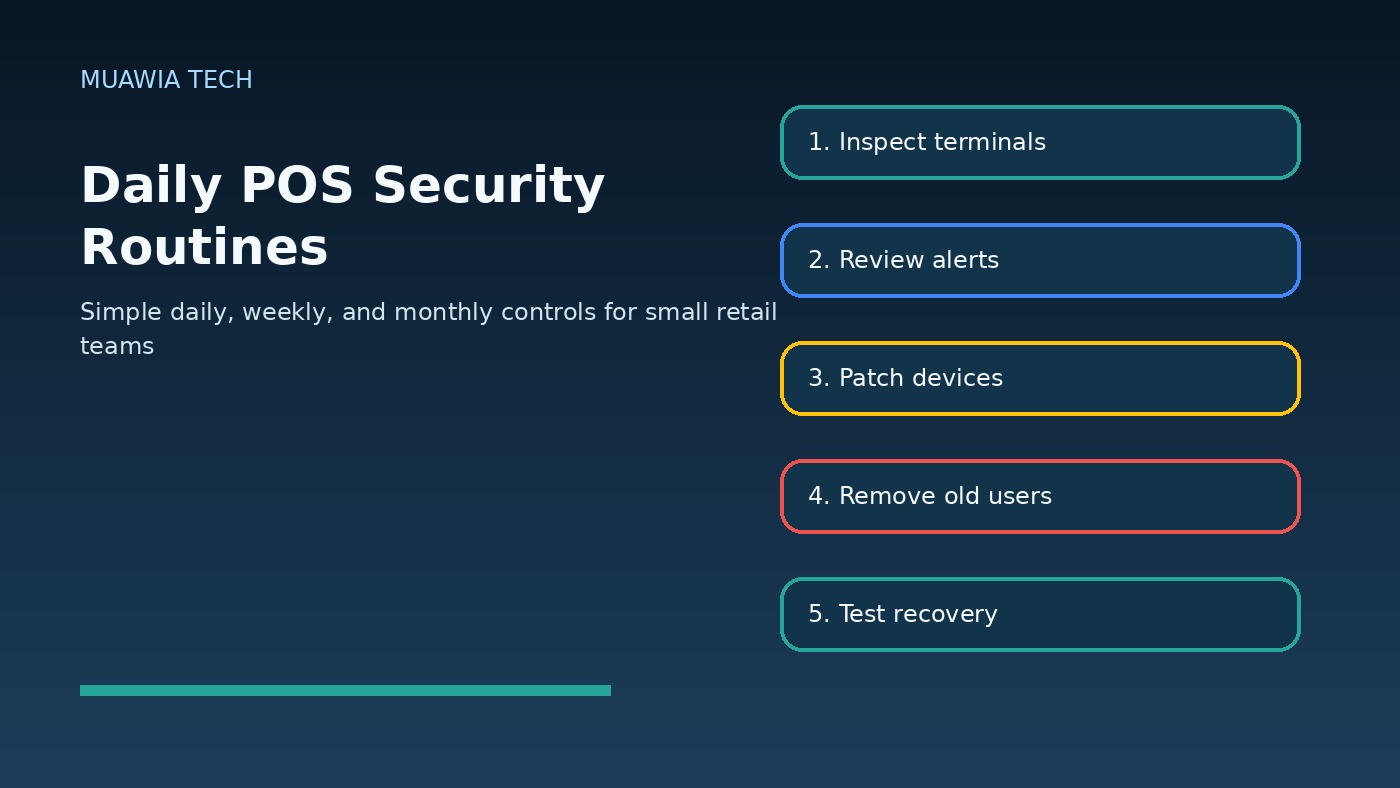
Daily checks
- Inspect terminals for loose parts, overlays, broken seals, or unexpected cables.
- Confirm POS devices are connected to the correct secured network, not guest Wi-Fi.
- Review unusual refunds, voids, discounts, or failed login notifications.
- Make sure staff use individual accounts and do not share manager codes.
- Report suspicious calls, emails, remote-support requests, or login prompts.
Weekly checks
- Review admin users, recent permission changes, and vendor access.
- Check for pending POS, tablet, browser, router, and security updates.
- Review audit logs for after-hours access or unusual locations.
- Delete unneeded customer-data exports and old local reports.
- Confirm backups, cloud sync, and end-of-day reports completed successfully.
Monthly checks
- Update the POS asset inventory and remove retired devices.
- Test one recovery procedure, such as restoring a report or replacing a device.
- Review third-party integrations and remove unused apps.
- Confirm MFA is active for administrators, payment portals, email, and accounting tools.
- Run a short staff refresher on phishing, fraud calls, and physical tampering.
What small businesses should prioritize first
If you can only do five things this month, start with these: enable MFA on every admin and payment-related account, separate guest Wi-Fi from POS devices, remove old users and vendors, patch the devices that run checkout, and train staff to verify support requests. These steps reduce common, realistic risks without requiring a full security transformation.
Then build from there. Add better logging, stronger endpoint controls, documented recovery steps, and periodic external reviews. If you operate multiple locations, standardize the checklist so each branch follows the same baseline. Consistency matters more than complicated paperwork.
FAQ
What is point of sale security?
Point of sale security is the set of controls that protect checkout devices, payment applications, networks, staff accounts, customer data, and operational processes involved in taking payments. It includes technology, training, monitoring, and response planning.
Do small businesses need POS security if they use a cloud provider?
Yes. A cloud POS provider can secure its platform, but the business still controls staff accounts, devices, Wi-Fi, local procedures, integrations, and physical terminal handling. Shared responsibility still applies.
How often should POS devices be updated?
Apply critical security updates as soon as practical after vendor testing, and schedule routine updates at least monthly. Always verify checkout functions after updates so security improvements do not interrupt operations.
Is guest Wi-Fi safe near payment terminals?
Guest Wi-Fi is acceptable only when it is separated from POS and business systems. Customers should not be able to reach terminals, back-office computers, printers, routers, or management dashboards from the guest network.
Conclusion
Point of sale security in 2026 is about disciplined basics: know your devices, protect administrator access, segment networks, patch consistently, minimize payment data, train staff, monitor meaningful alerts, and prepare for incidents before they happen. Small businesses that turn these practices into routines can reduce payment risk, improve uptime, and build customer trust without overcomplicating daily operations.
For more practical security guidance, browse Muawia Tech’s Security coverage and related Cloud resilience articles.
Related update: Quantum-Safe Security in 2026: Why Businesses Must Prepare for Harvest-Now-Decrypt-Later Risk.